Home Features🧾 GST Billing💵 Cash Register🏷️ Label Printer🪑 Table Management👥 Attendance💰 Payroll📅 Shift Management⭐ Loyalty & CRM📣 WhatsApp Marketing📦 Inventory📊 Reports 📱 Apps Outlet Types Pricing Integrations 📰 Blog ▶️ YouTube 📖 Tutorials 🆘 Support 🚀 Changelog 🗺️ Roadmap 🤝 Partner Program Download About Us
Book a Demo →
5 Apps. Every Platform.

Get RestoPOS on
any device

Web browser, Android tablet, iPad, Windows PC, or Mac — RestoPOS works everywhere your restaurant needs it. Setup in under 30 minutes.

🌐 Web App 🤖 Android 🍎 iOS / iPad 🪟 Windows Desktop 🖨️ iPrint Service
💬 WhatsApp Us
✓ No credit card  ·  ✓ Free 14-day trial  ·  ✓ Setup in 30 min
Available On
🌐
Web App (Cloud POS)
Any browser · No install · Always updated
LIVE
🤖
Android Tablet App
Android 8+ · Offline ready · APK direct
LIVE
🍎
iOS / iPad App
iOS 14+ · iPhone & iPad · App Store
LIVE
🪟
Windows Desktop App
Windows 10/11 · Offline billing · .exe installer
LIVE
🖨️
iPrint — Print Service
Windows & macOS · Cloud-to-printer bridge
NEW
📶 Works Offline

Choose your platform

All apps sync to the same cloud account. Use the web app at the billing counter and the mobile app for owner reports on the go.

📱 Real screens

See RestoPOS in action

Actual screens from the RestoPOS apps — billing, tableside captain ordering and the live kitchen display. The same clean, fast interface whether you run it on a phone, a tablet or the billing counter.
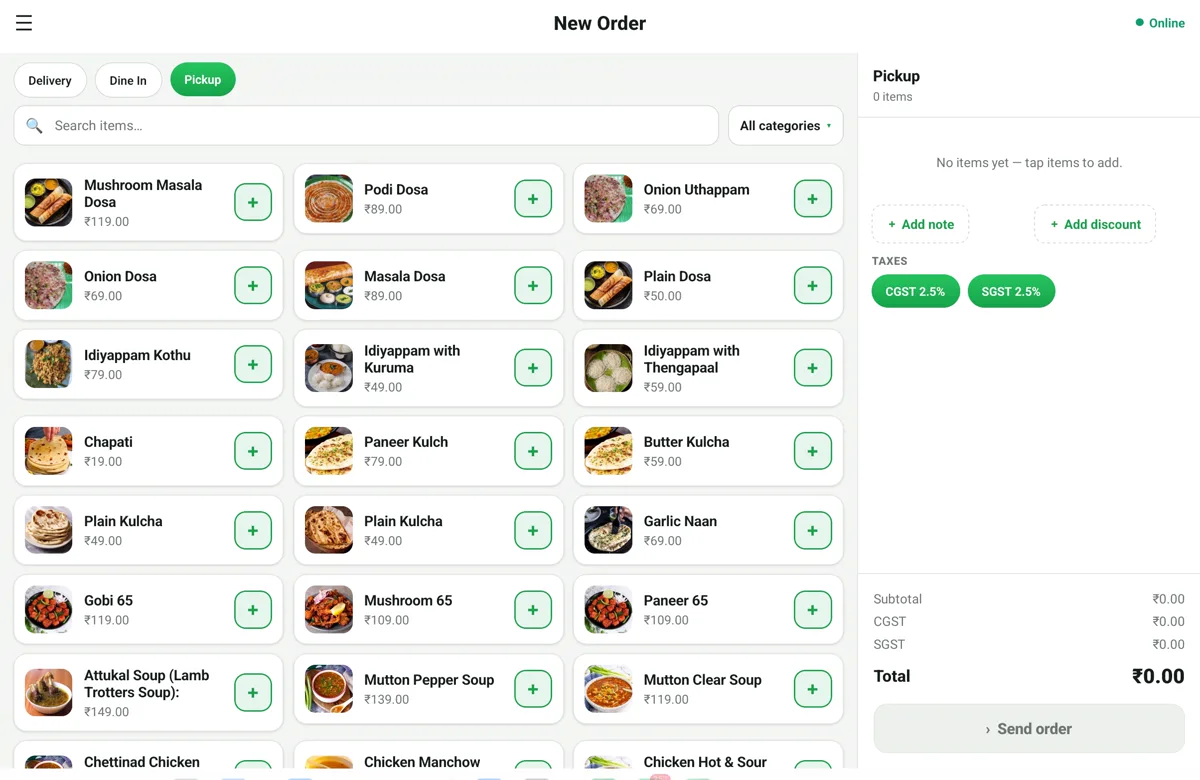
RestoPOS mPOS billing screen on an Android tablet showing the menu grid with food photos, CGST/SGST tax and a live order panel
mPOS on a tablet — full menu grid with GST tax, live order panel and one-tap billing.
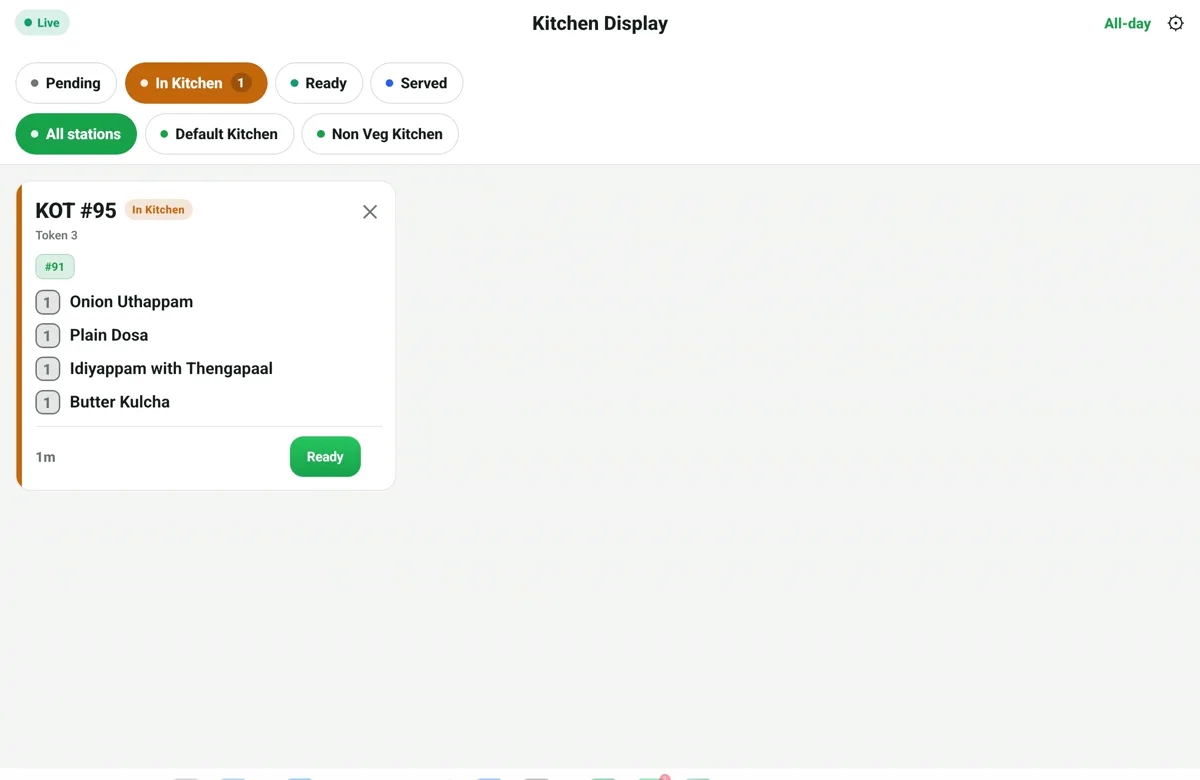
RestoPOS mKOT kitchen display on a tablet showing a live kitchen order ticket (KOT) with items and a Ready button
mKOT Kitchen Display — live KOTs by station, tap when ready.
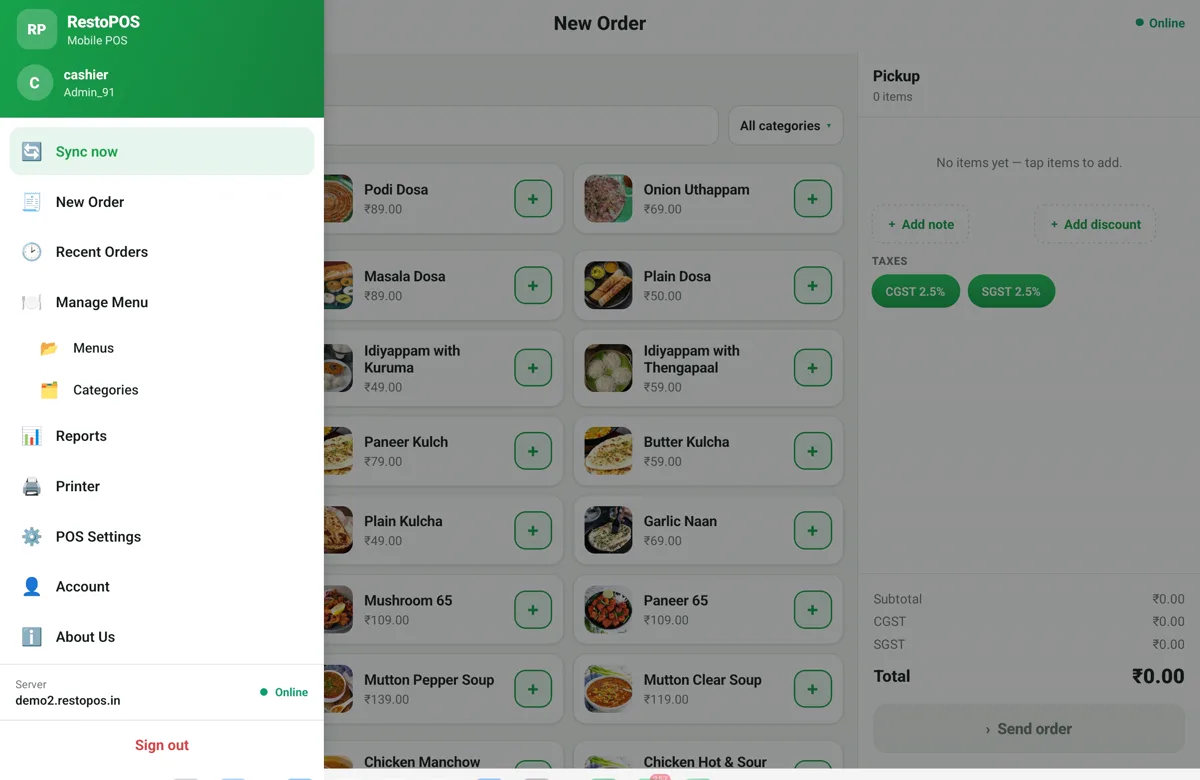
RestoPOS mPOS app menu showing New Order, Recent Orders, Manage Menu, Reports, Printer and POS Settings
Everything in one app — orders, menu, reports, printers & settings.
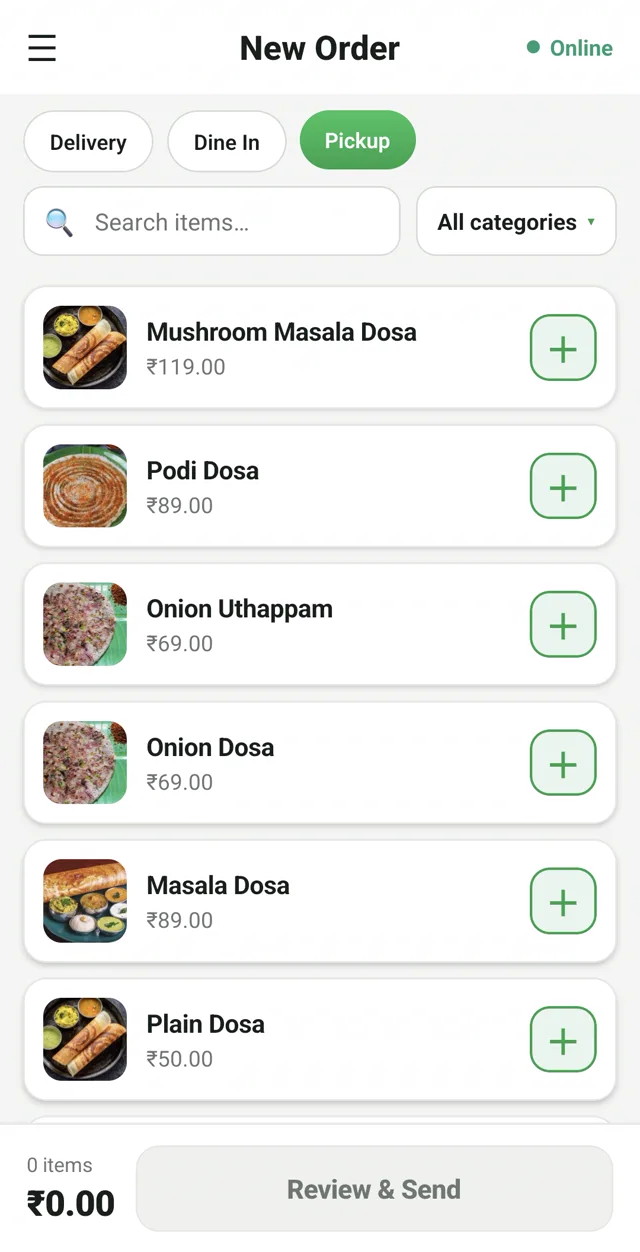
RestoPOS mPOS mobile app New Order screen with menu items and prices in Indian rupees
mPOS · New order
Fast item search & categories
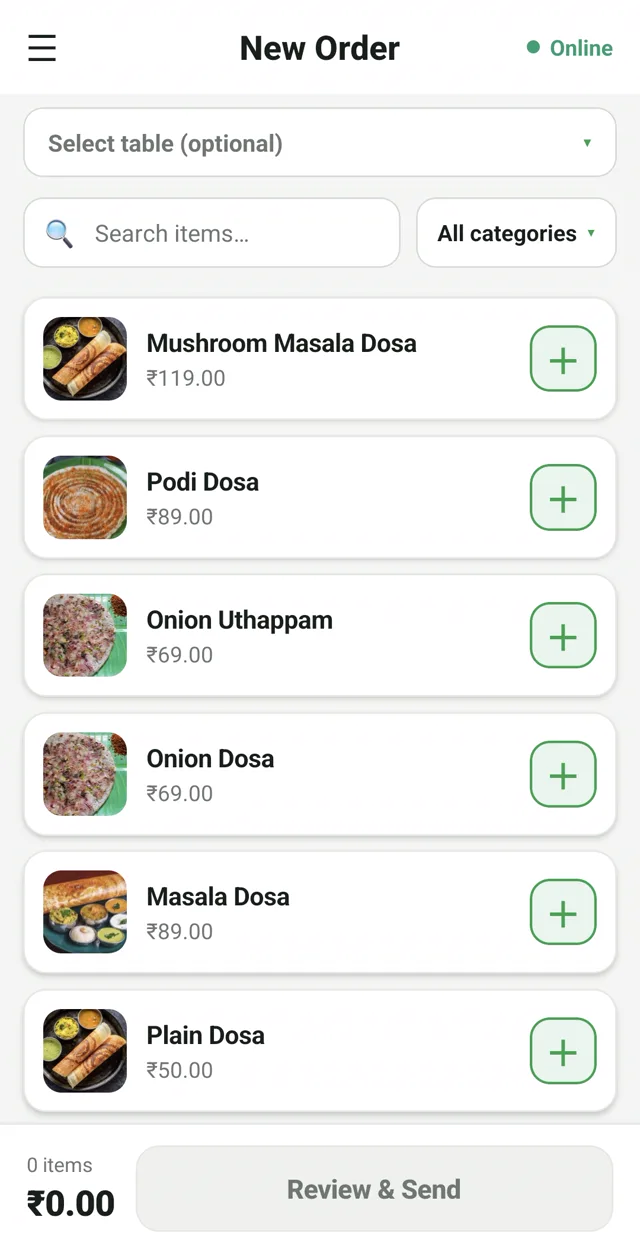
RestoPOS mCAP captain app on a mobile phone with table selection for tableside ordering
mCAP · Tableside
Waiters take orders at the table
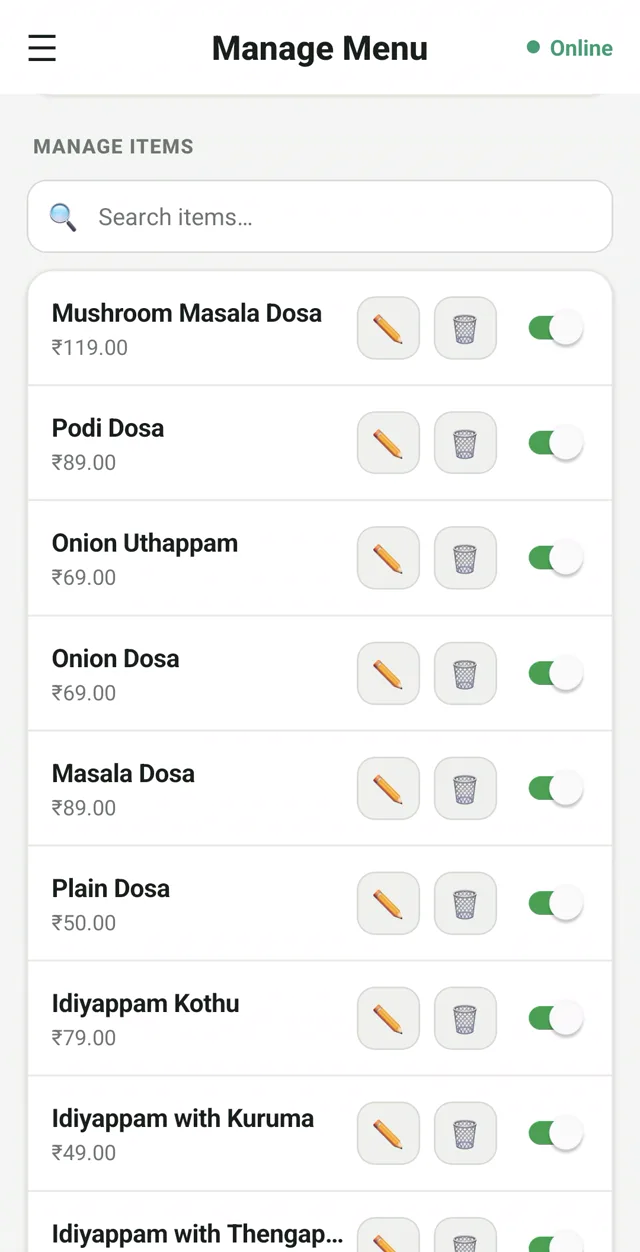
RestoPOS Manage Menu screen on mobile to edit items, prices and availability
Manage menu
Edit items, prices & availability
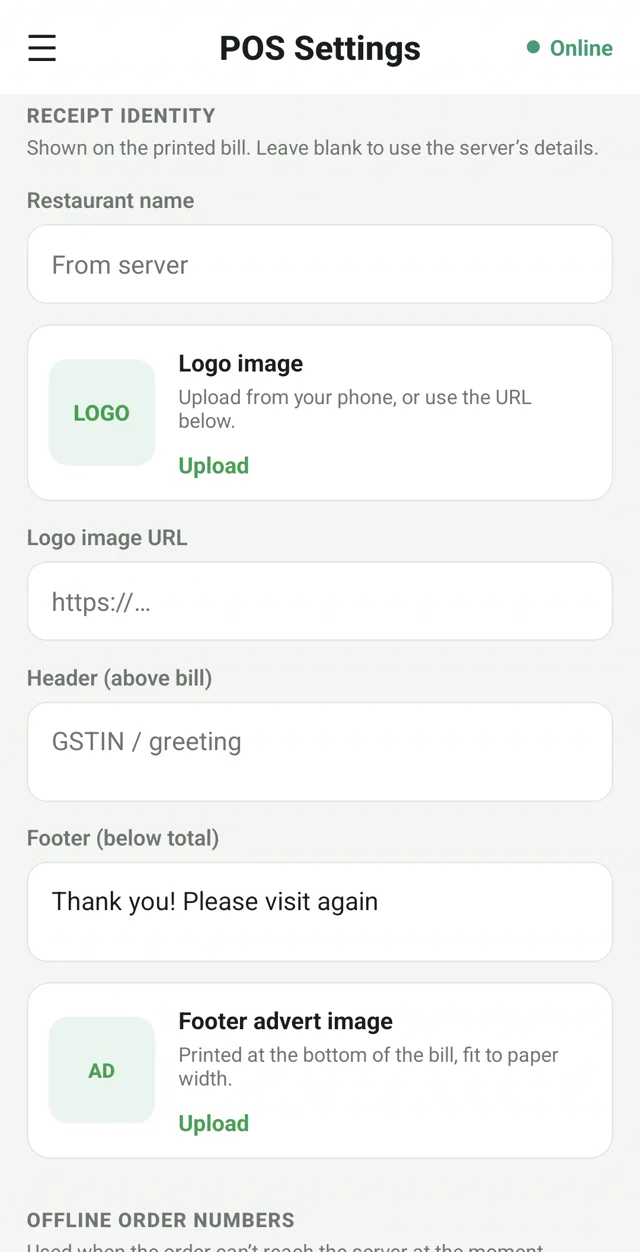
RestoPOS POS settings screen to customise the printed GST bill with logo, GSTIN and footer
Custom GST bills
Your logo, GSTIN & footer

Explore each app in detail:

🧾 mPOS Billing 🧑‍🍳 mCAP Captain 👨‍🍳 mKOT Kitchen 🖥️ mKIOSK Kiosk 💻 Desktop POS

Works with all your hardware

No expensive proprietary hardware. RestoPOS works with standard restaurant equipment you can buy anywhere in India.

🖨️
Thermal Printers
Epson TM-T82 · Star TSP · RP80 · TVS RP45 · Any 80mm thermal
📱
Bluetooth Printers
58mm & 80mm Bluetooth thermal · Perfect for food trucks & mobile POS
🖥️
KDS Screens
Any Android screen · Browser-based KDS · No extra hardware needed
💵
Cash Drawers
RJ11 cash drawers · Auto-open on cash payment · Any standard drawer
📟
Barcode Scanners
USB & Bluetooth · For inventory management & item lookup
💳
Payment Terminals
Razorpay POS · Pine Labs · PhonePe Soundbox · UPI QR

Not sure if your hardware is compatible? WhatsApp us the model name and we'll confirm within the hour.

Start your free trial today —
no credit card required

Join 500+ restaurants already using RestoPOS. Setup takes 10 minutes.

💬 WhatsApp Us