Home Features Outlet Types Pricing Integrations 📰 Blog ▶️ YouTube 📖 Tutorials 🆘 Support 🚀 Changelog 🗺️ Roadmap 🤝 Partner Program Download About Us
Book a Demo →
👨‍🍳 mKOT · Android tablet · TV · Web

A paperless kitchen that never misses a ticket

mKOT turns any tablet or screen into a live Kitchen Display System. Orders from the POS, captain app and Zomato/Swiggy appear instantly, colour-coded by station and status.

⬇️ Get the app
✓ 14-day free trial  ·  ✓ No credit card  ·  ✓ Works offline
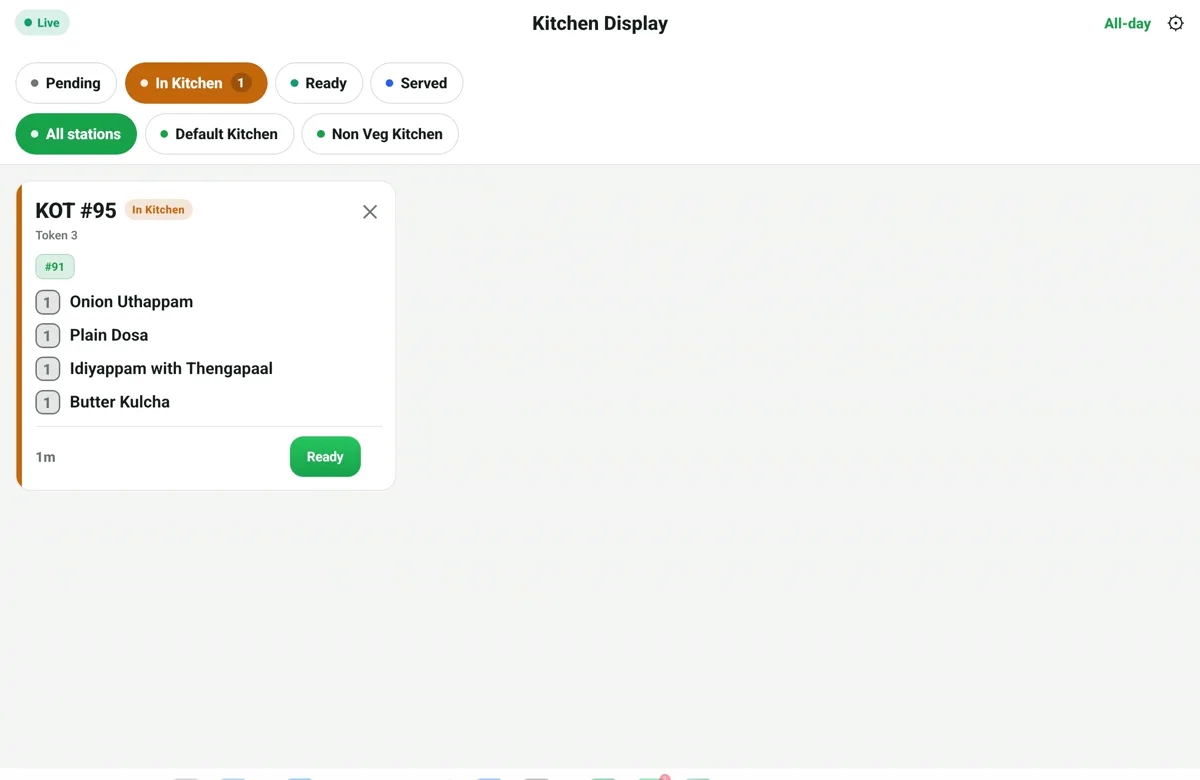
RestoPOS mKOT kitchen display on a tablet showing a live kitchen order ticket with items and a Ready button
⚡ In short

mKOT turns any tablet or TV into a Kitchen Display System. Orders from mPOS, mCAP and Zomato/Swiggy land instantly — colour-coded by station and status (Pending, In Kitchen, Ready, Served) with a live timer on every ticket. No paper chits, nothing lost in the pass.

Every ticket, live and colour-coded

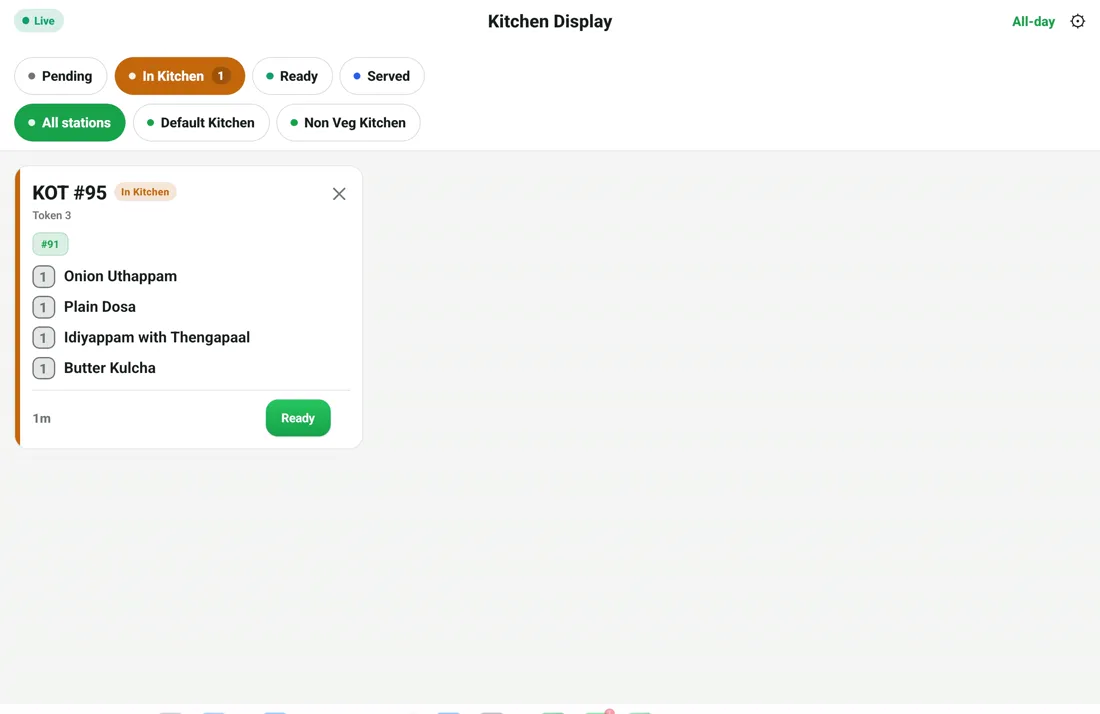
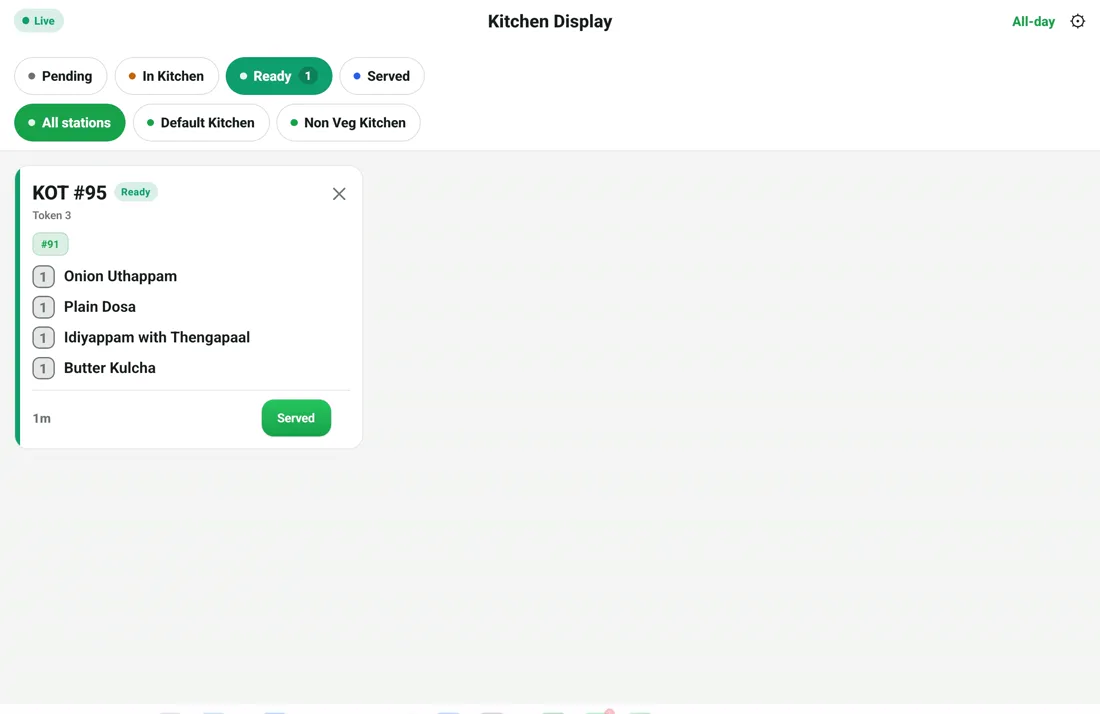
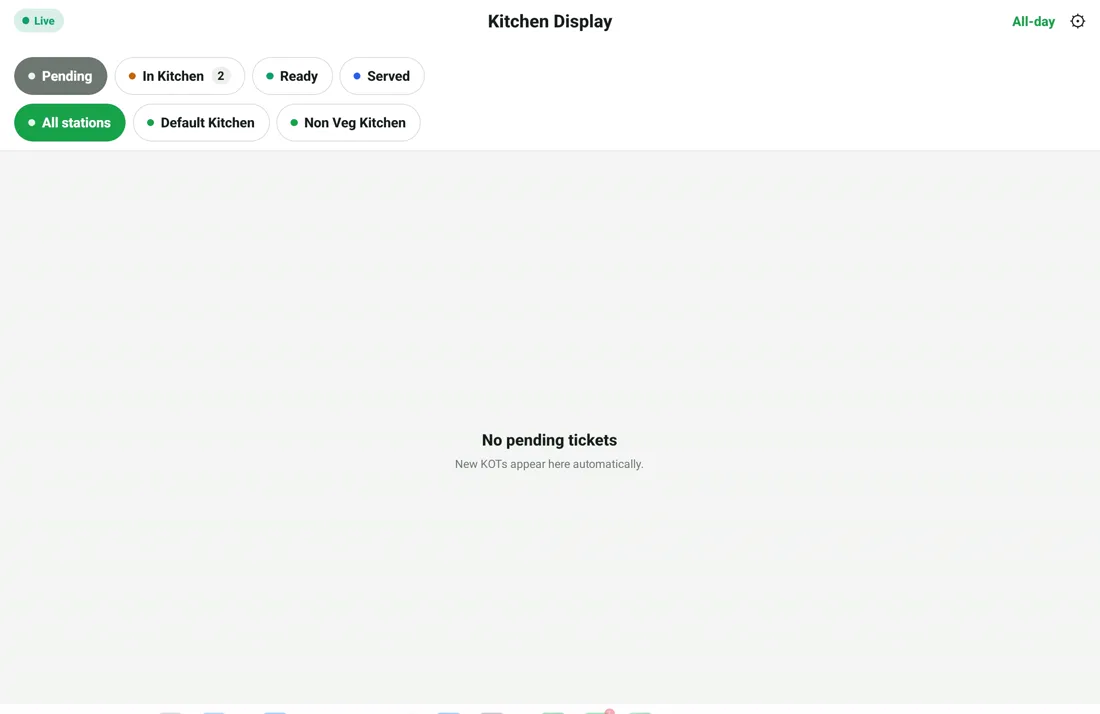
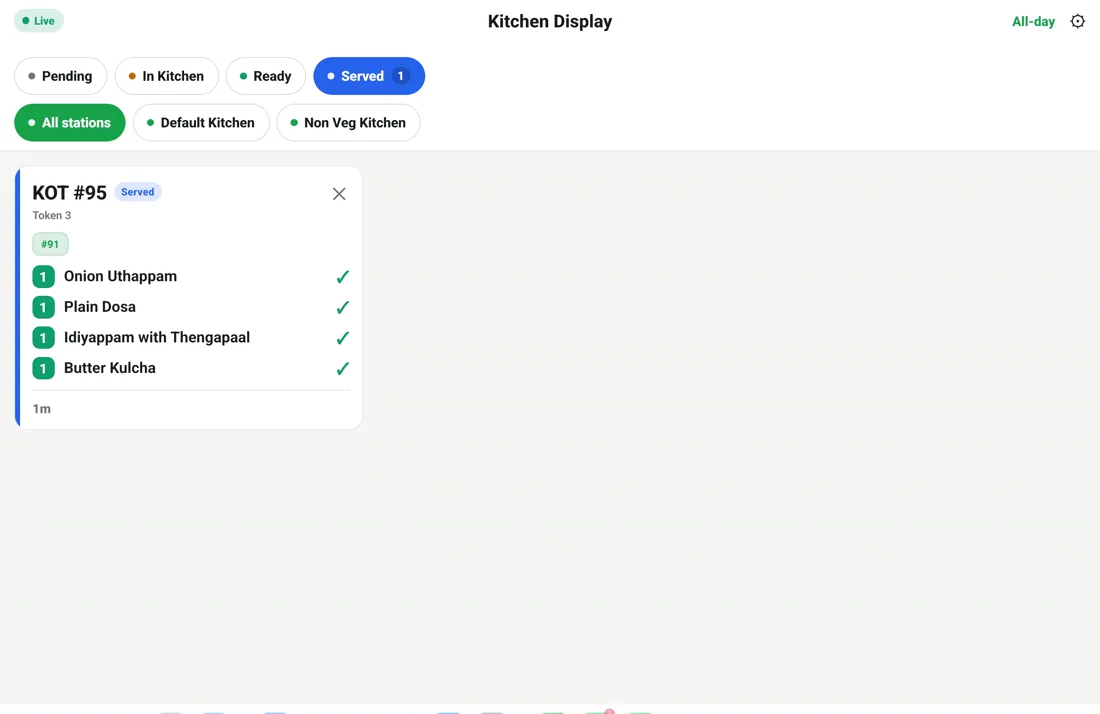
Each KOT shows its token, items and a running timer. Filter by status — Pending, In Kitchen, Ready, Served — and tap Ready when a dish is done. The captain and cashier see the update instantly.

  • Live status: Pending → In Kitchen → Ready → Served
  • Per-ticket timer to keep prep on track
  • Tap Ready — captain & cashier notified live
RestoPOS mKOT kitchen display showing an in-kitchen KOT ticket with items, timer and a Ready button
RestoPOS mKOT kitchen display station filters — All stations, Default Kitchen, Non Veg Kitchen

Route by station, run multiple kitchens

Send the right items to the right screen — Default Kitchen, Non-Veg Kitchen, bar or dessert station. Perfect for busy kitchens and multi-brand cloud kitchens.

  • Multi-station / multi-kitchen routing
  • Works alongside kitchen printers
  • Runs on any Android tablet or TV

All mKOT screens

Tap any screenshot to enlarge.

📟 mKOT on tablet

RestoPOS mKOT tablet screen 1
RestoPOS mKOT tablet screen 2
RestoPOS mKOT tablet screen 3
RestoPOS mKOT tablet screen 4

Frequently asked questions

What hardware do I need for mKOT?

Any Android tablet or an Android TV/screen. Mount it in the kitchen and orders appear automatically — no dedicated KDS hardware required.

Can I run more than one kitchen station?

Yes. Route items to different stations — for example Default Kitchen and Non-Veg Kitchen — each with its own display.

Does mKOT also print tickets?

Yes. You can use the display, kitchen printers, or both together — whatever suits your kitchen.

Do online orders show on the kitchen display?

Yes. Zomato, Swiggy, Dunzo and ONDC orders flow into mKOT alongside dine-in and takeaway, so nothing is missed.

See mKOT in action —
book a free demo

Start your 14-day free trial today. Free onboarding, no setup fees, cancel anytime.

💬 WhatsApp Us