Home Features Outlet Types Pricing Integrations 📰 Blog ▶️ YouTube 📖 Tutorials 🆘 Support 🚀 Changelog 🗺️ Roadmap 🤝 Partner Program Download About Us
Book a Demo →
🧾 mPOS · Android · iOS · Tablet · Web

Lightning-fast GST billing

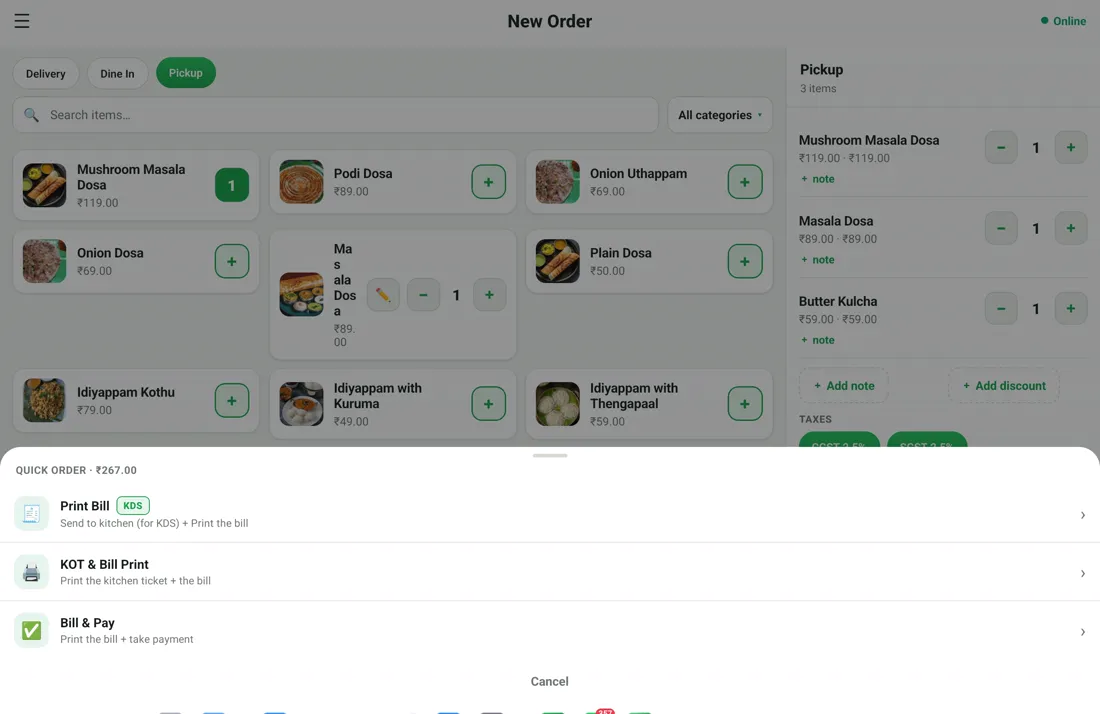
mPOS is the RestoPOS billing app. Take orders, apply GST automatically, accept UPI, card or cash, and print or share the bill in seconds — on any phone, tablet or browser, online or fully offline.

⬇️ Get the app
✓ 14-day free trial  ·  ✓ No credit card  ·  ✓ Works offline
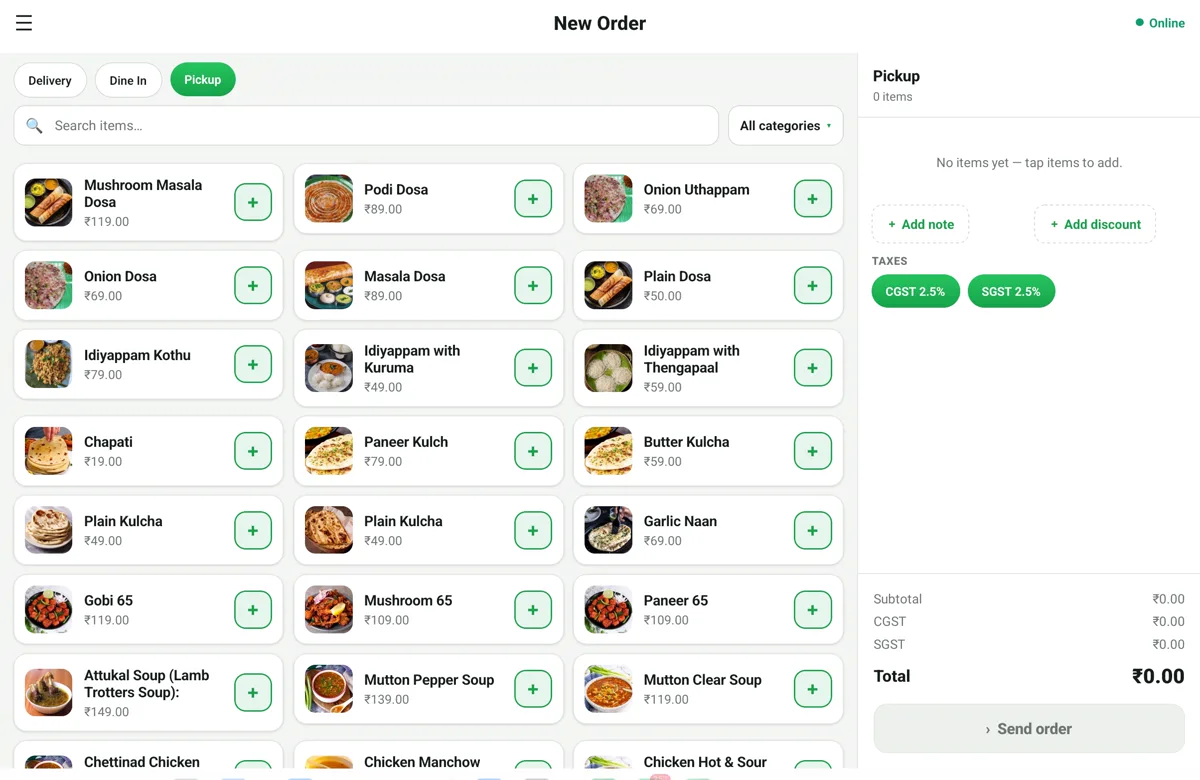
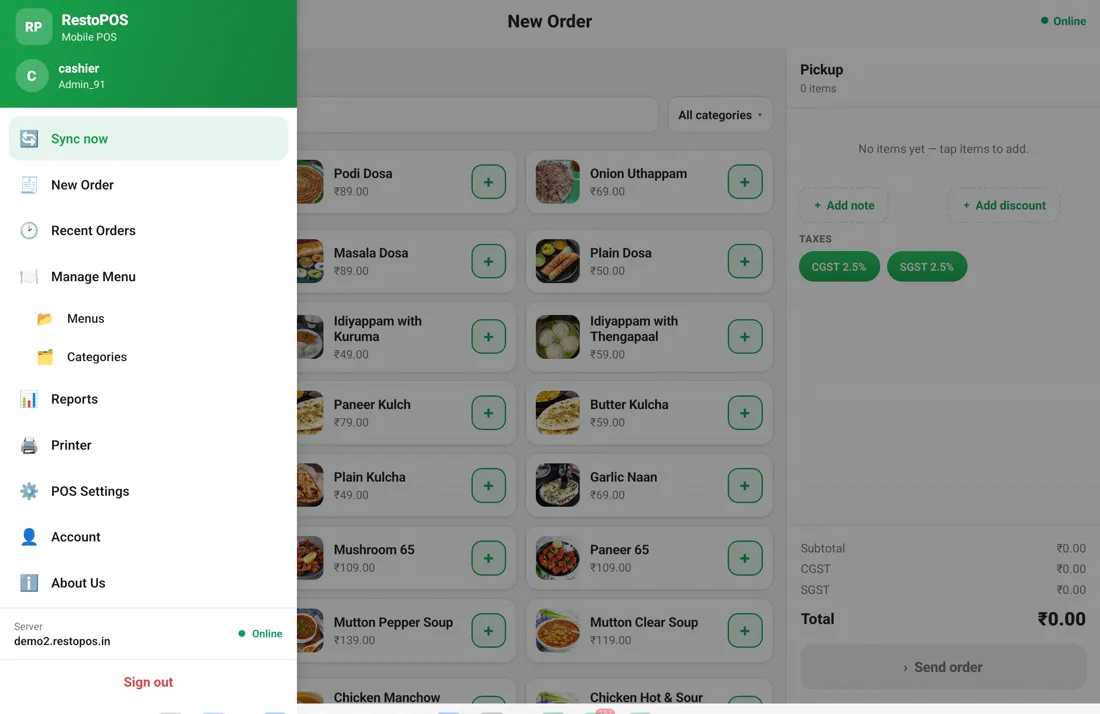
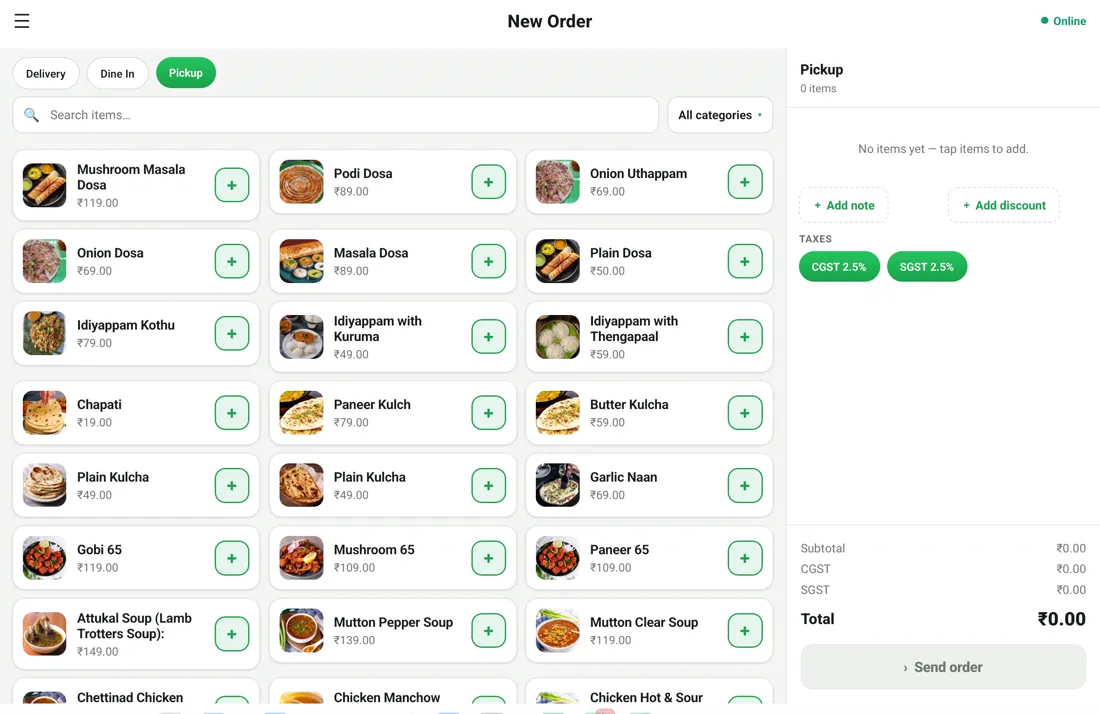
RestoPOS mPOS billing screen on an Android tablet with the menu grid, CGST/SGST tax and a live order panel
⚡ In short

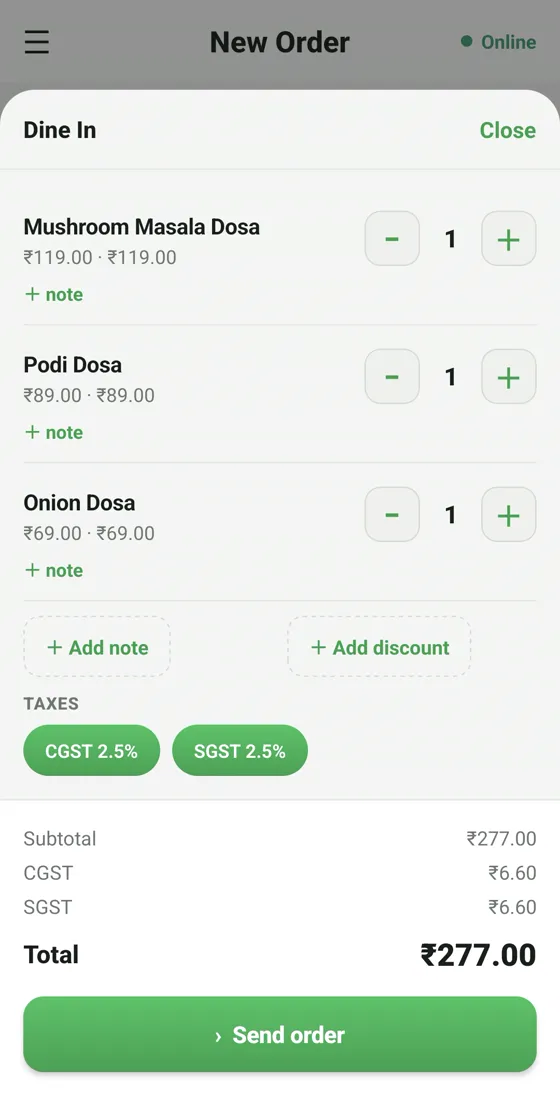
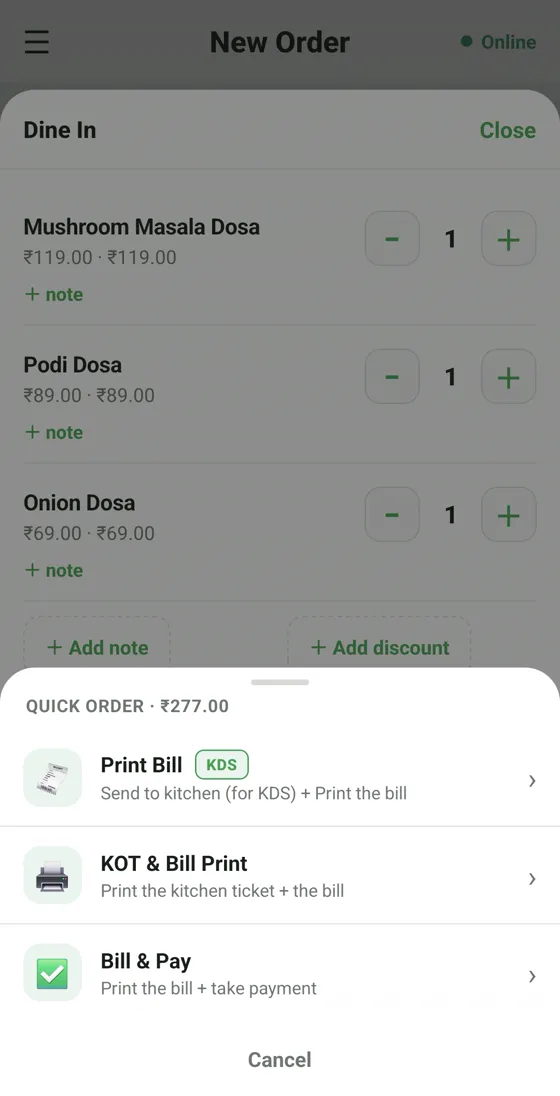
mPOS is the RestoPOS billing app — take an order, apply CGST/SGST automatically, accept UPI, card or cash and print or WhatsApp the bill in seconds. It runs on any Android phone, tablet, iPhone or the web, and keeps billing even when the internet drops.

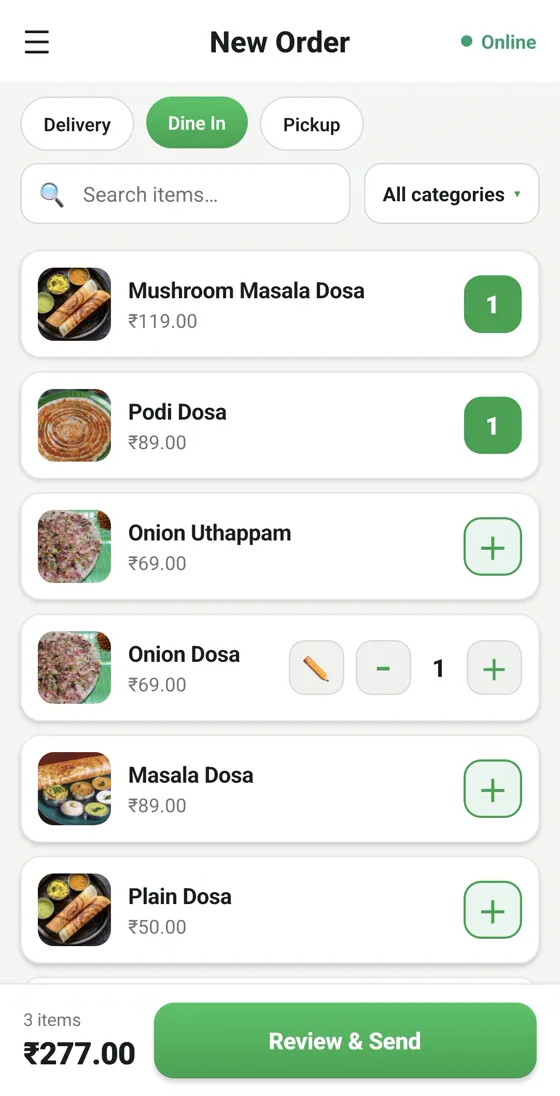
Bill from your phone

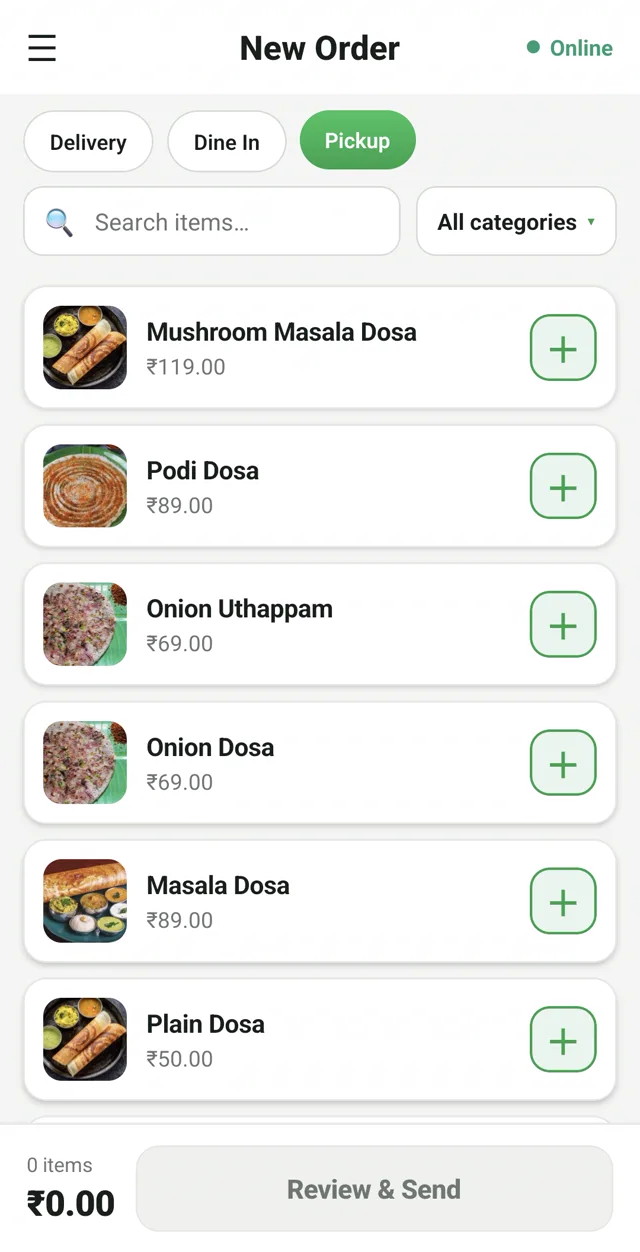
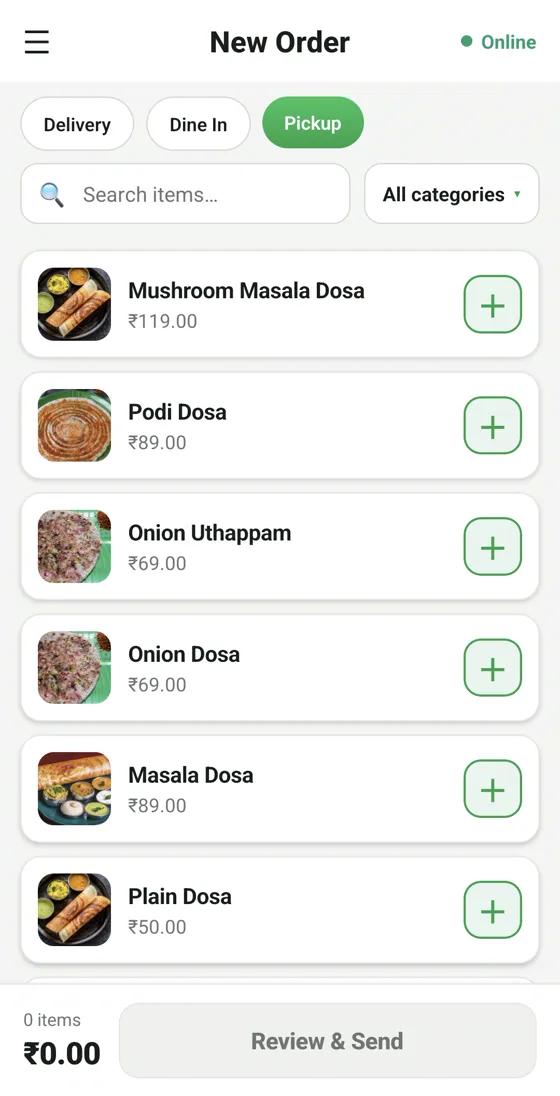
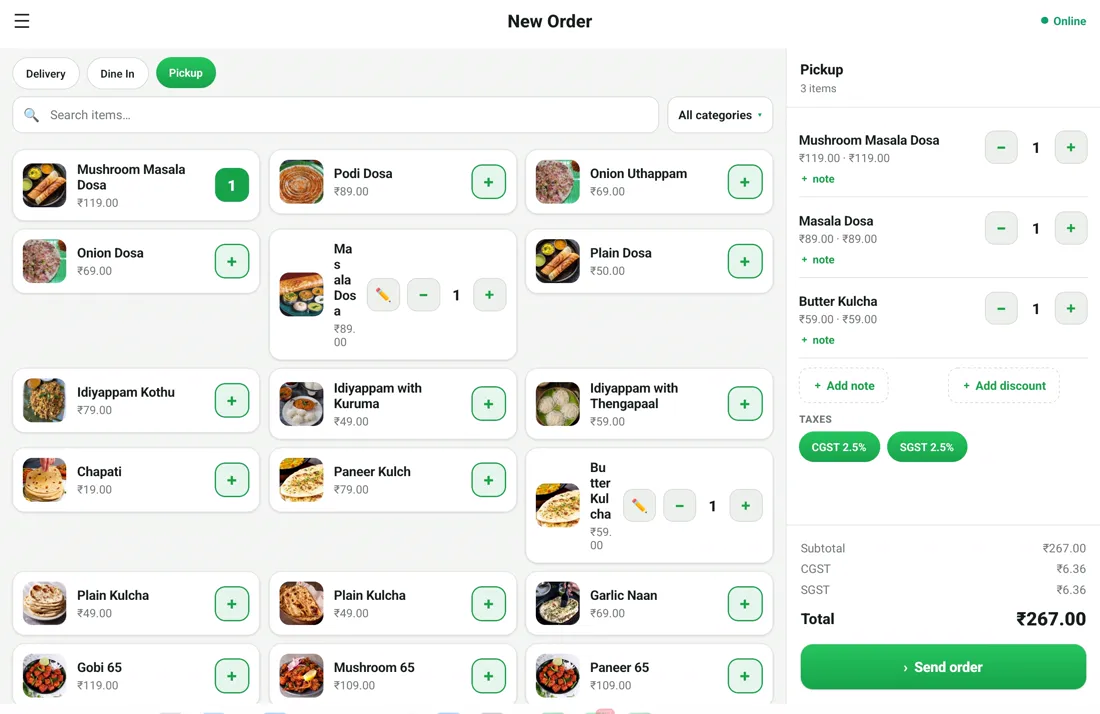
Delivery, Dine-in or Pickup — search items or browse categories and build the order one tap at a time. Perfect for small counters, takeaway and pop-ups.

  • Item search & category filters
  • Dine-in, delivery & pickup modes
  • Add notes & discounts per item
RestoPOS mPOS mobile app New Order screen with menu items and prices in rupees
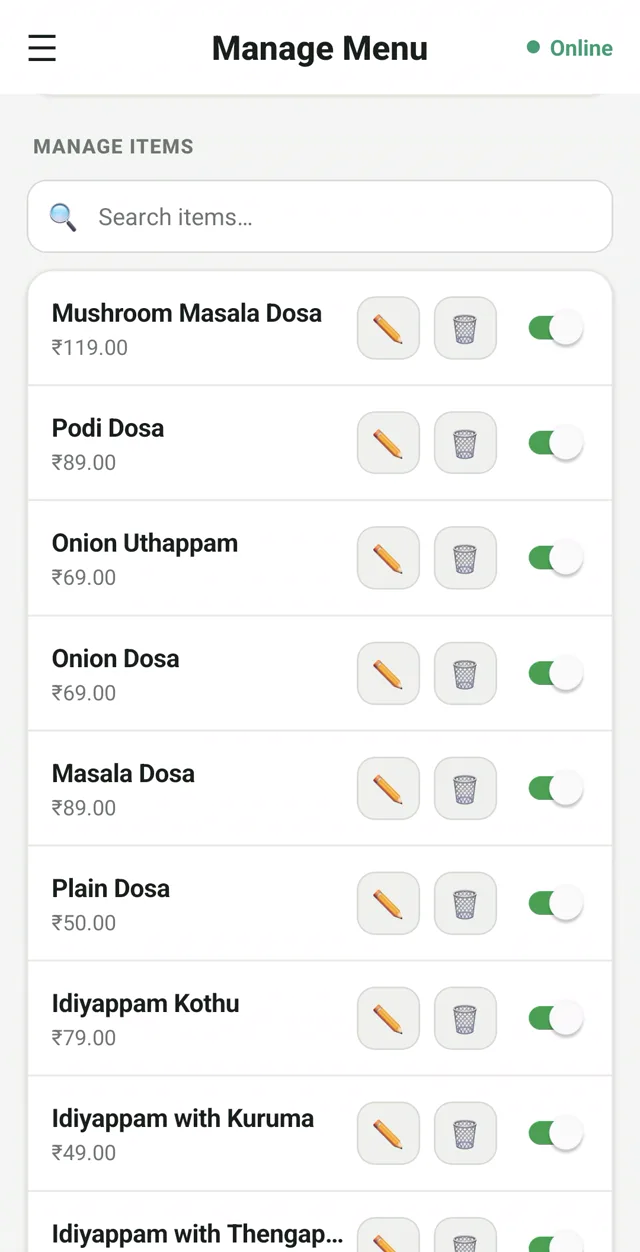
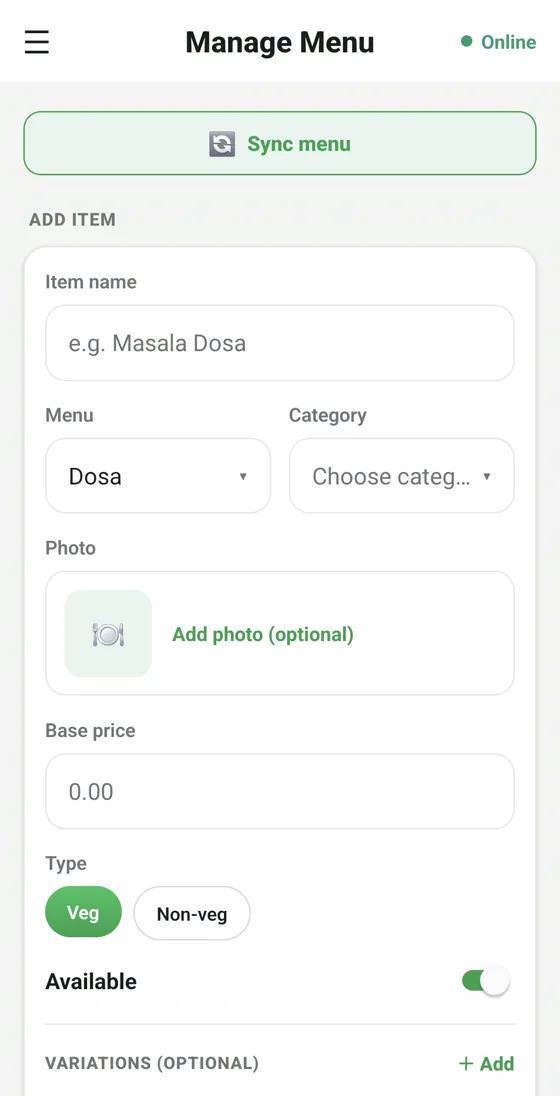
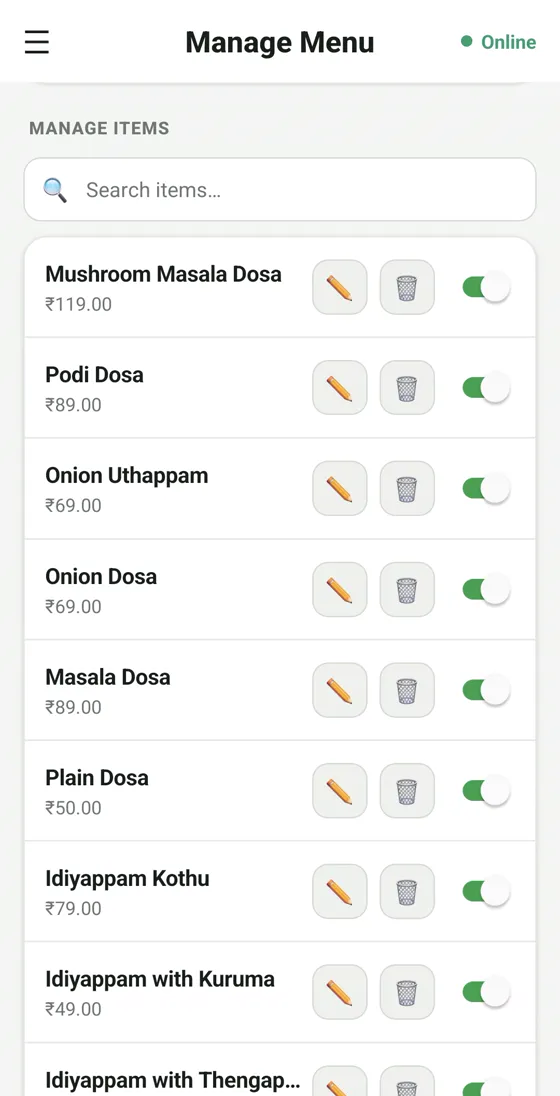
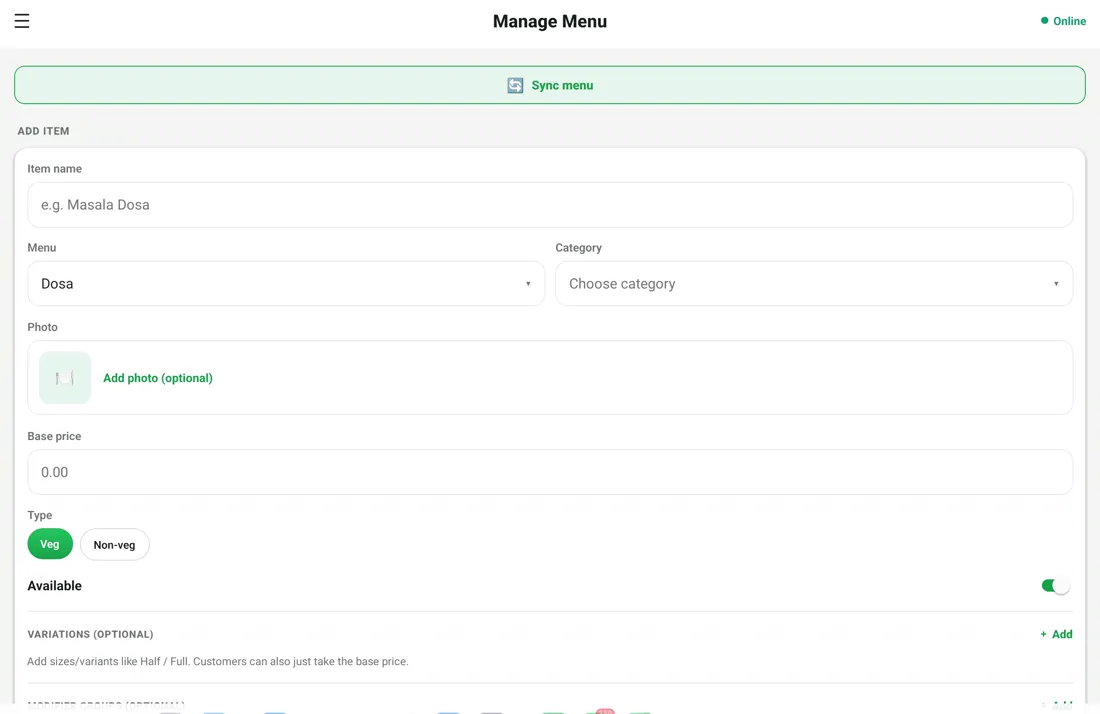
RestoPOS Manage Menu screen to edit items, prices and availability

Manage your menu on the go

Add items, change prices and toggle availability instantly. "86" a dish and it disappears everywhere at once — POS, captain app and the QR menu.

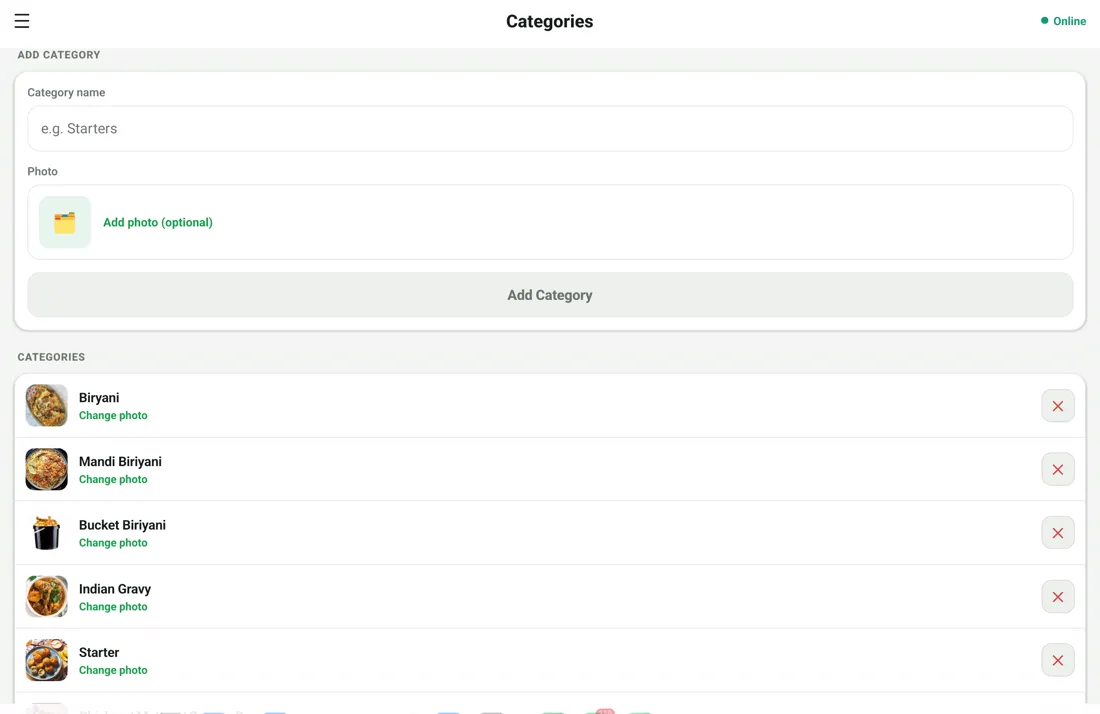
  • Unlimited items & categories
  • One-tap availability toggle
  • Changes sync across every app

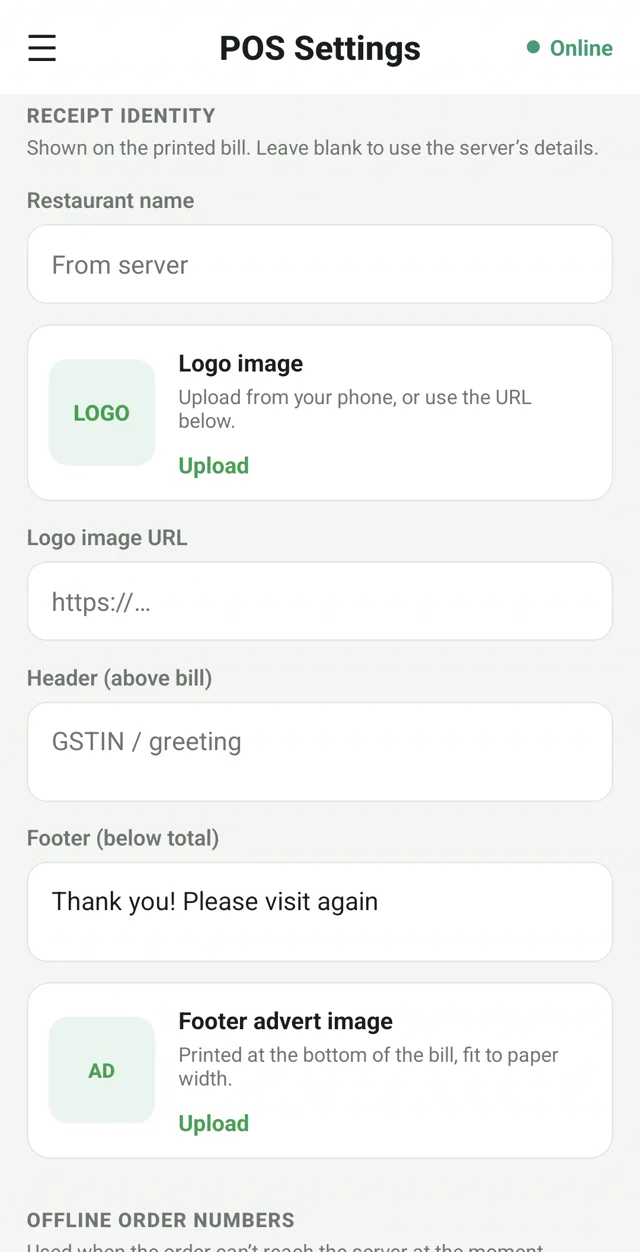
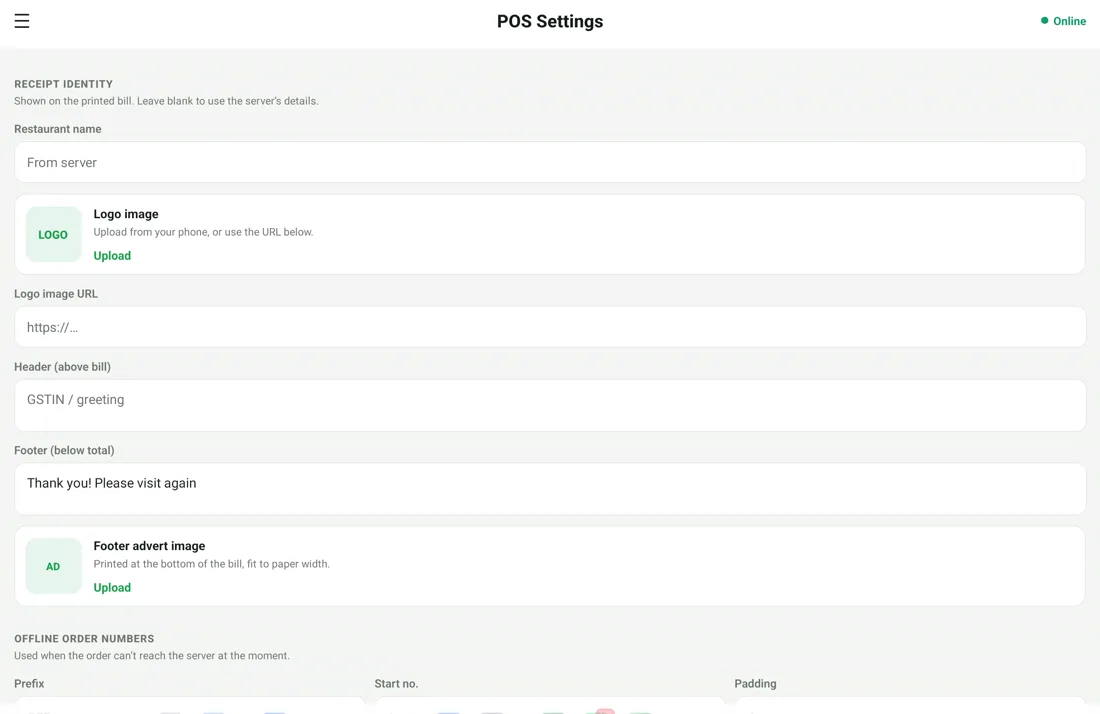
Bills that look like yours

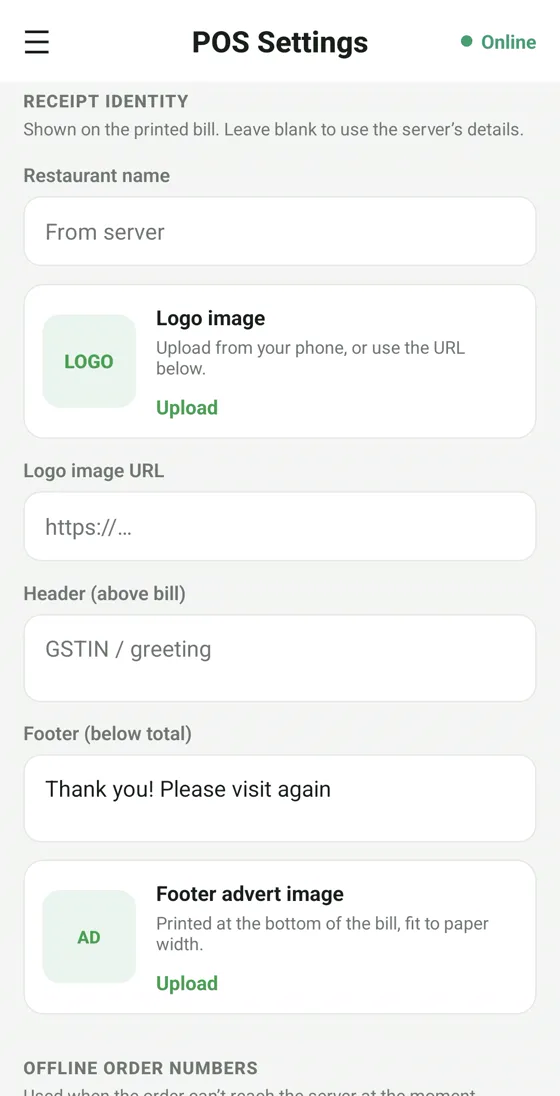
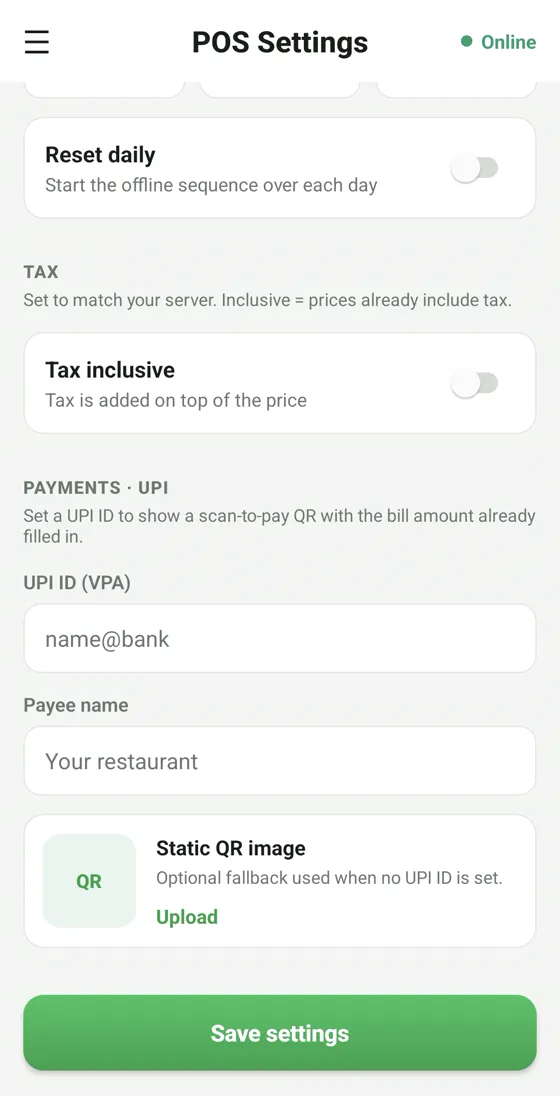
Add your logo, GSTIN and a footer message. Print to any 80mm thermal printer or share a clean digital bill on WhatsApp.

  • Custom logo, GSTIN & footer
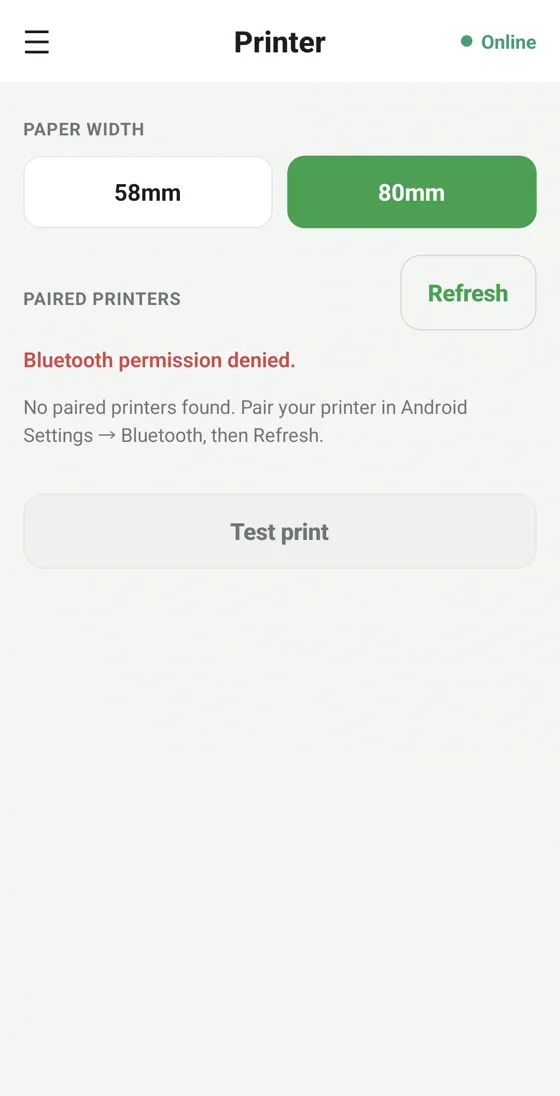
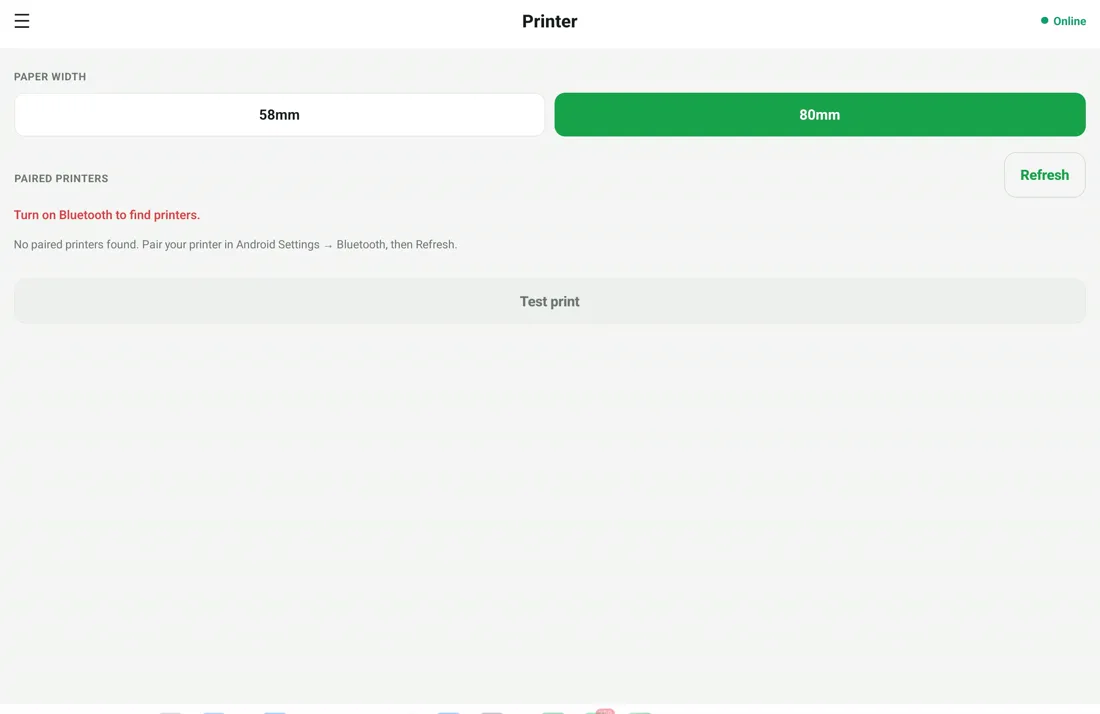
  • Any 80mm thermal printer
  • Digital bill via WhatsApp
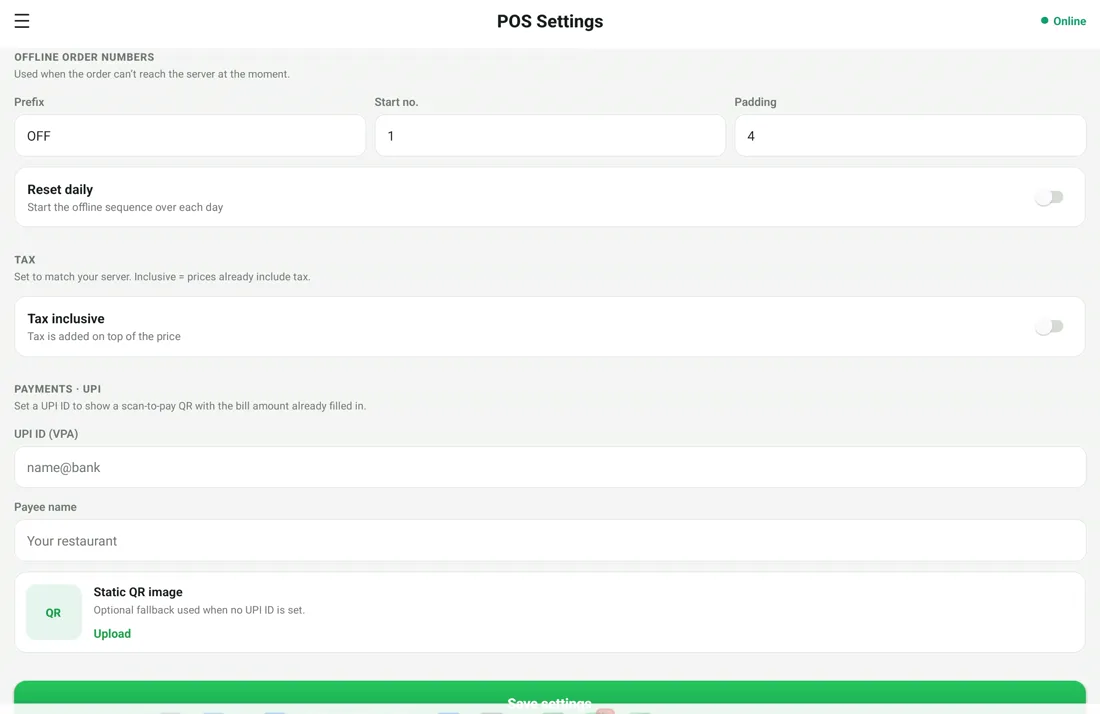
RestoPOS POS settings screen to customise the printed GST bill with logo, GSTIN and footer

All mPOS screens

Tap any screenshot to enlarge.

📱 mPOS on mobile

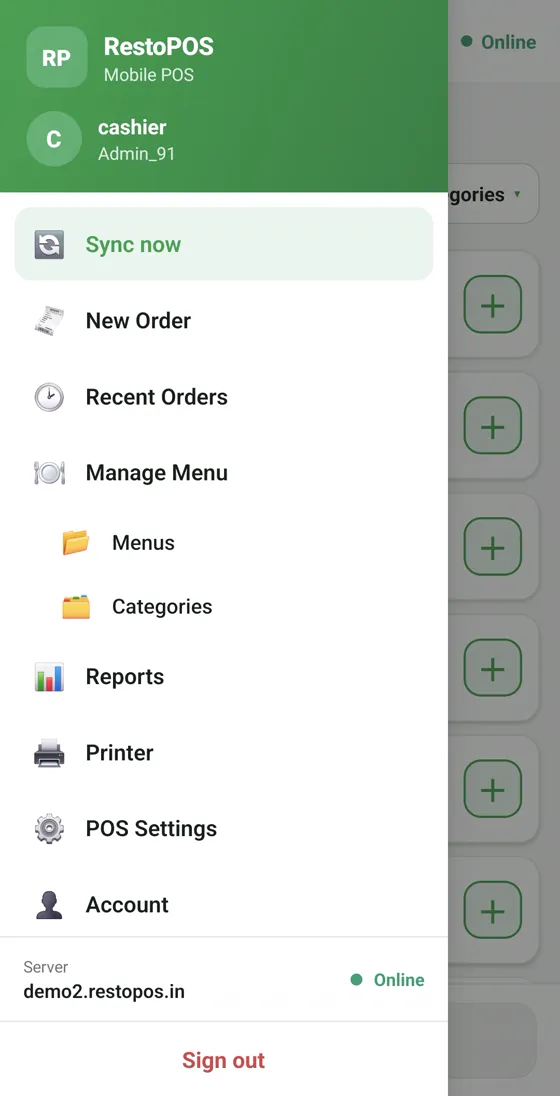
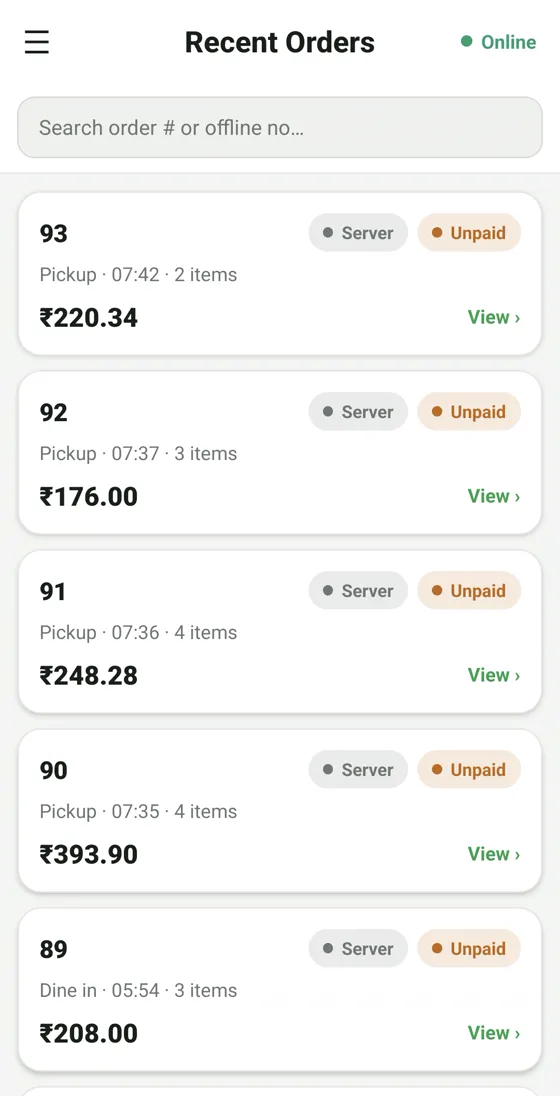
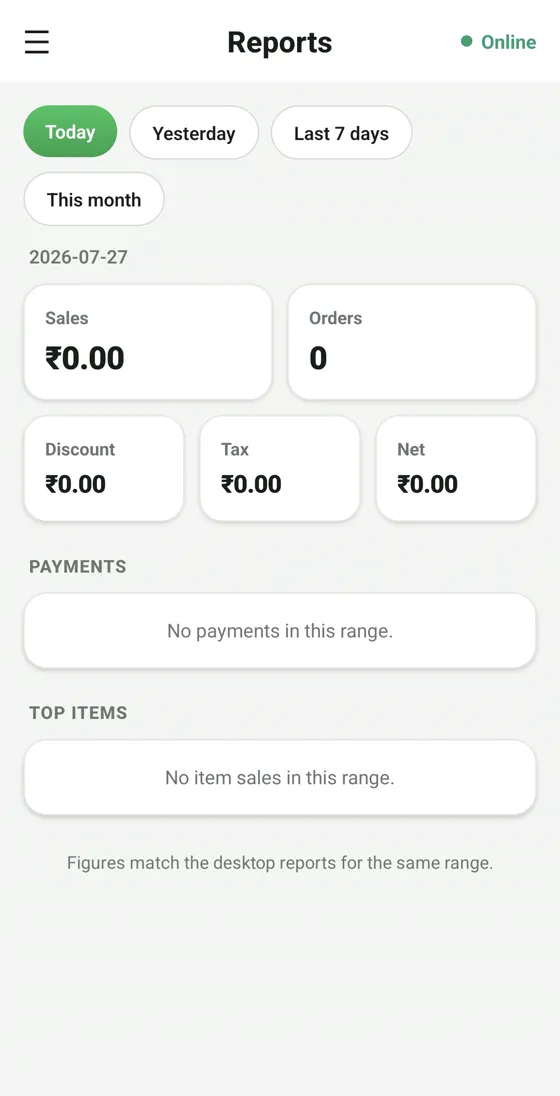
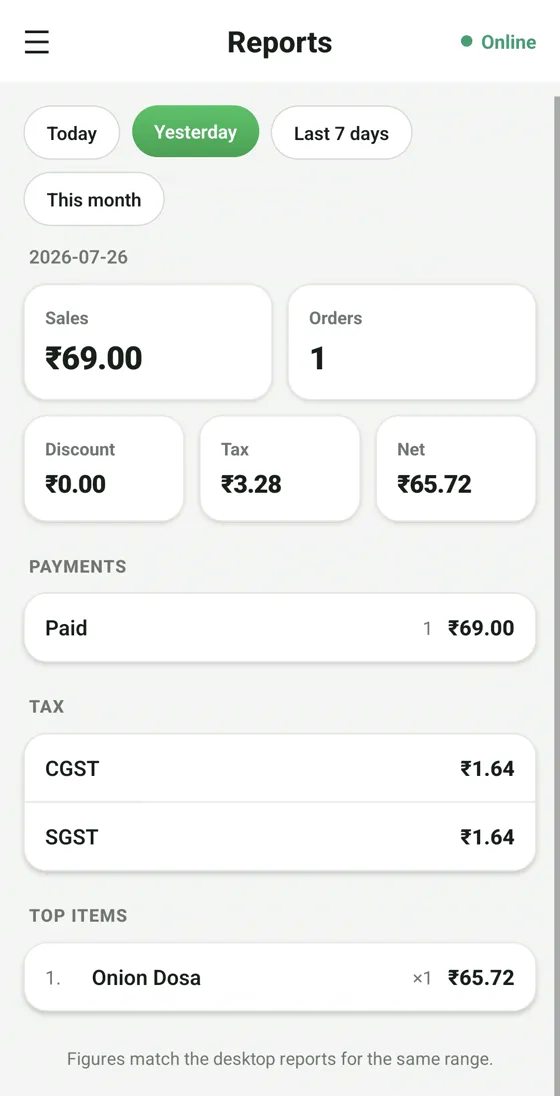
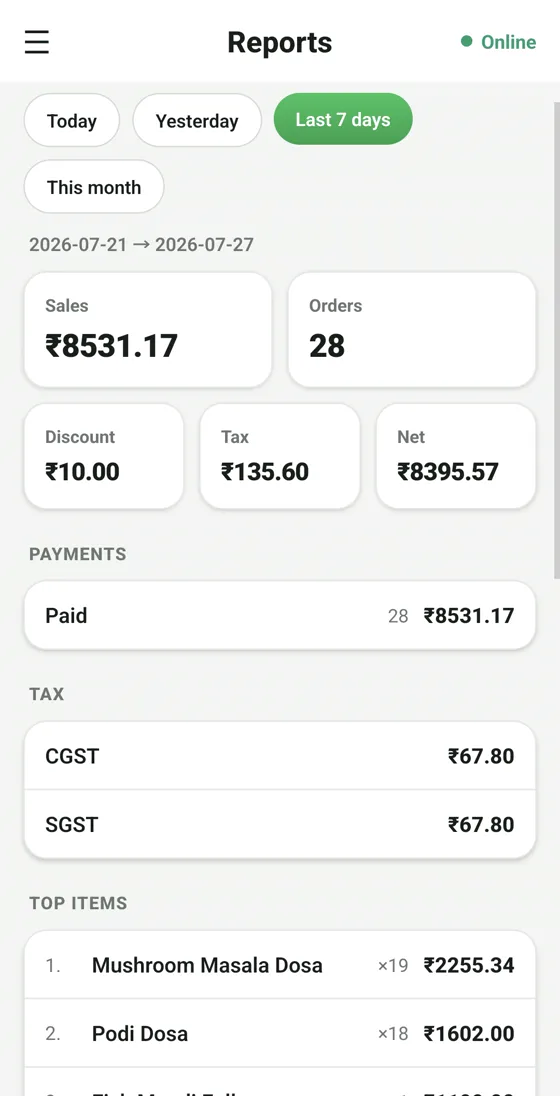
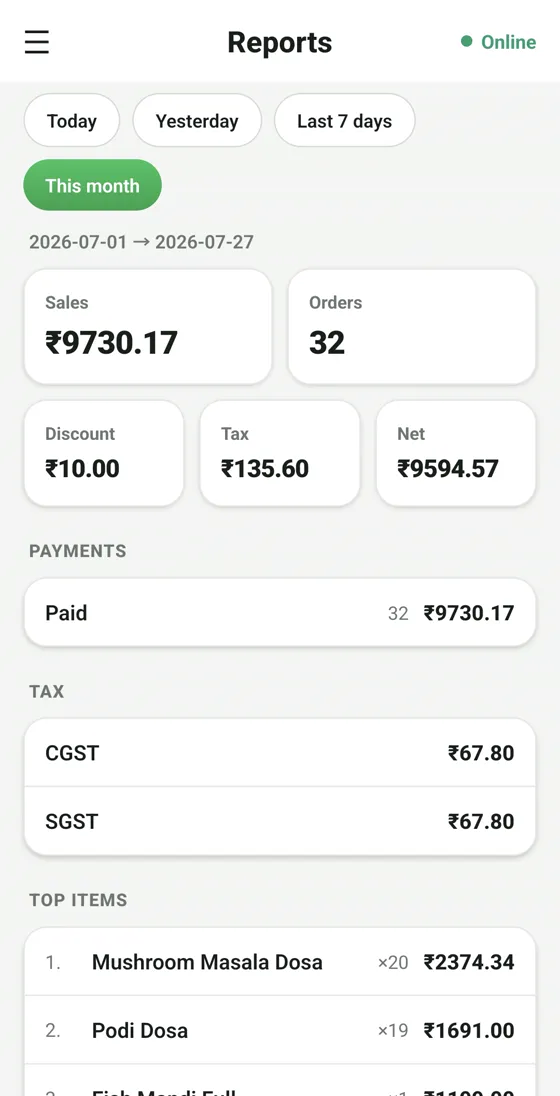
RestoPOS mPOS mobile screen 1
RestoPOS mPOS mobile screen 2
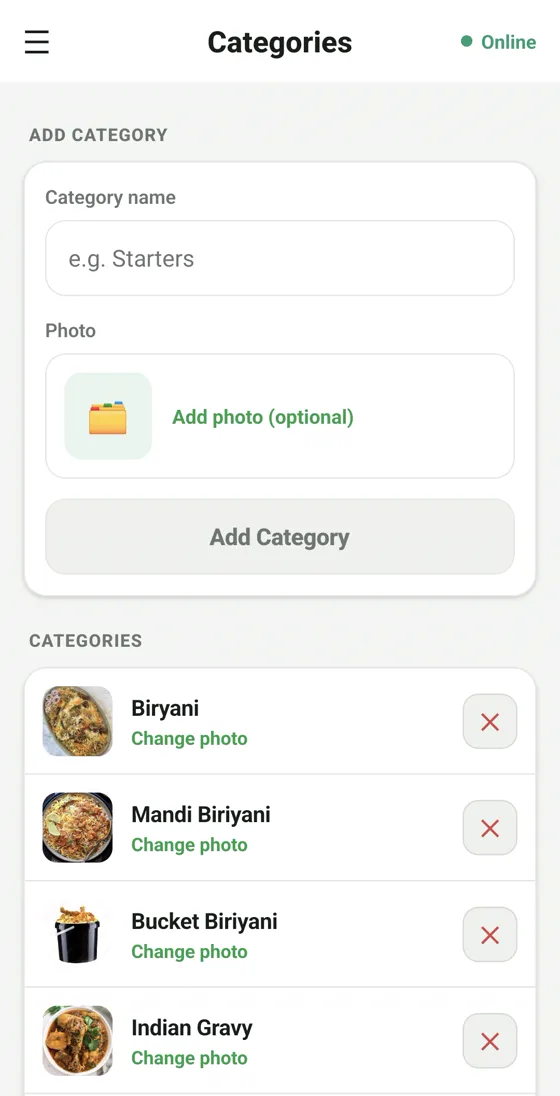
RestoPOS mPOS mobile screen 3
RestoPOS mPOS mobile screen 4
RestoPOS mPOS mobile screen 5
RestoPOS mPOS mobile screen 6
RestoPOS mPOS mobile screen 7
RestoPOS mPOS mobile screen 8
RestoPOS mPOS mobile screen 9
RestoPOS mPOS mobile screen 10
RestoPOS mPOS mobile screen 11
RestoPOS mPOS mobile screen 12
RestoPOS mPOS mobile screen 13
RestoPOS mPOS mobile screen 14
RestoPOS mPOS mobile screen 15
RestoPOS mPOS mobile screen 16

📟 mPOS on tablet

RestoPOS mPOS tablet screen 1
RestoPOS mPOS tablet screen 2
RestoPOS mPOS tablet screen 3
RestoPOS mPOS tablet screen 4
RestoPOS mPOS tablet screen 5
RestoPOS mPOS tablet screen 6
RestoPOS mPOS tablet screen 7
RestoPOS mPOS tablet screen 8
RestoPOS mPOS tablet screen 9
RestoPOS mPOS tablet screen 10
RestoPOS mPOS tablet screen 11
RestoPOS mPOS tablet screen 12
RestoPOS mPOS tablet screen 13

Frequently asked questions

Does mPOS work without internet?

Yes. mPOS is offline-first — billing and KOT keep working with no internet and sync automatically the moment you are back online.

Which devices does mPOS run on?

Any Android 8+ phone or tablet, iPhone/iPad (iOS 14+), or directly in a web browser. All devices share the same cloud account.

Is mPOS GST compliant?

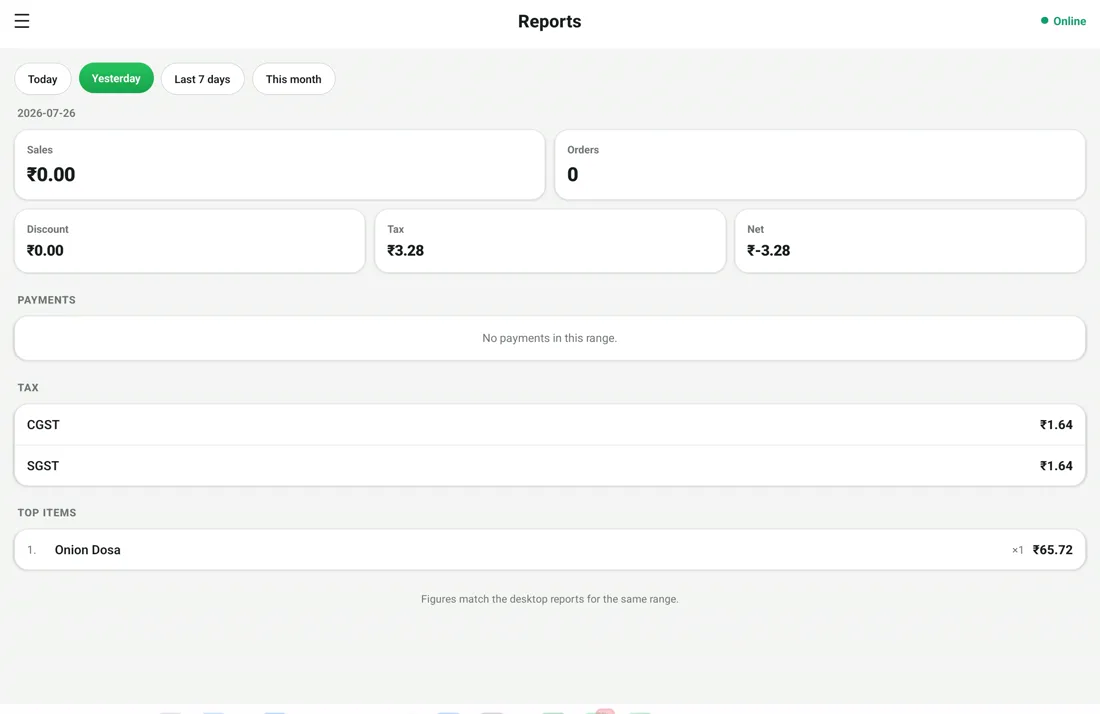
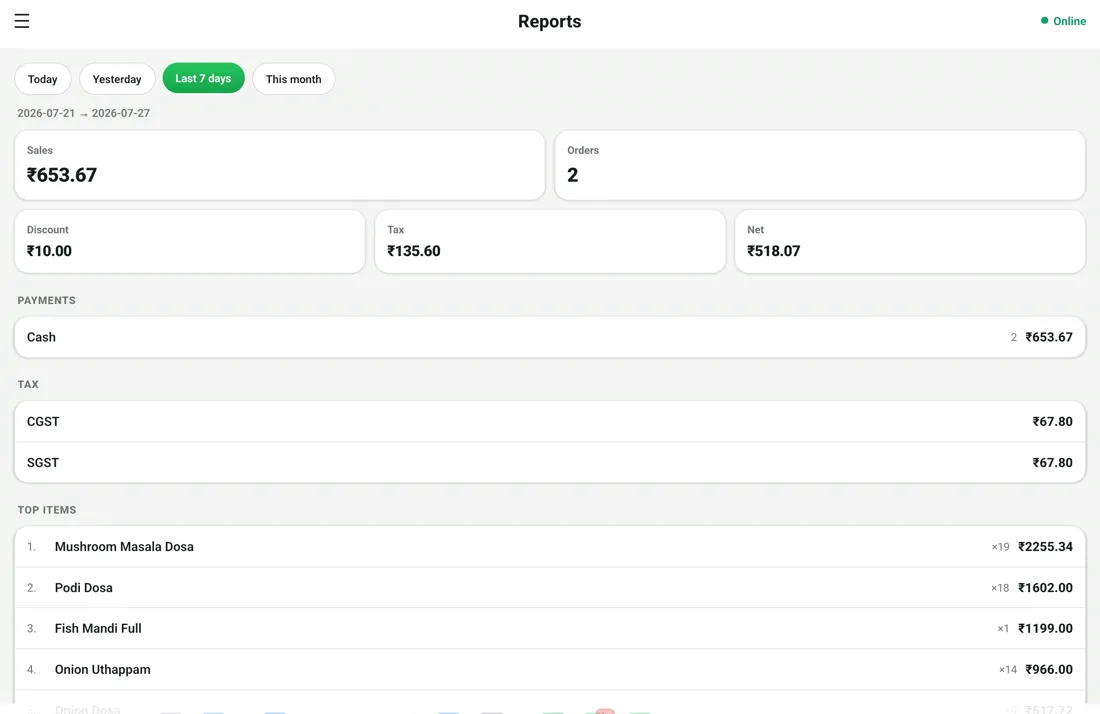
Yes. It applies CGST, SGST and IGST, stores HSN/SAC codes and exports GSTR-ready reports for your accountant.

Which printers work with mPOS?

Any 80mm thermal printer over Bluetooth, USB or LAN, plus laser printers via the iPrint cloud bridge.

See mPOS in action —
book a free demo

Start your 14-day free trial today. Free onboarding, no setup fees, cancel anytime.

💬 WhatsApp Us