Home Features Outlet Types Pricing Integrations 📰 Blog ▶️ YouTube 📖 Tutorials 🆘 Support 🚀 Changelog 🗺️ Roadmap 🤝 Partner Program Download About Us
Book a Demo →
🧑‍🍳 mCAP · Android · iOS

Take orders at the table, not the counter

mCAP lets your waitstaff take orders tableside on their own phone. Items fly straight to the kitchen and the bill — no paper chits, no walking back and forth.

⬇️ Get the app
✓ 14-day free trial  ·  ✓ No credit card  ·  ✓ Works offline
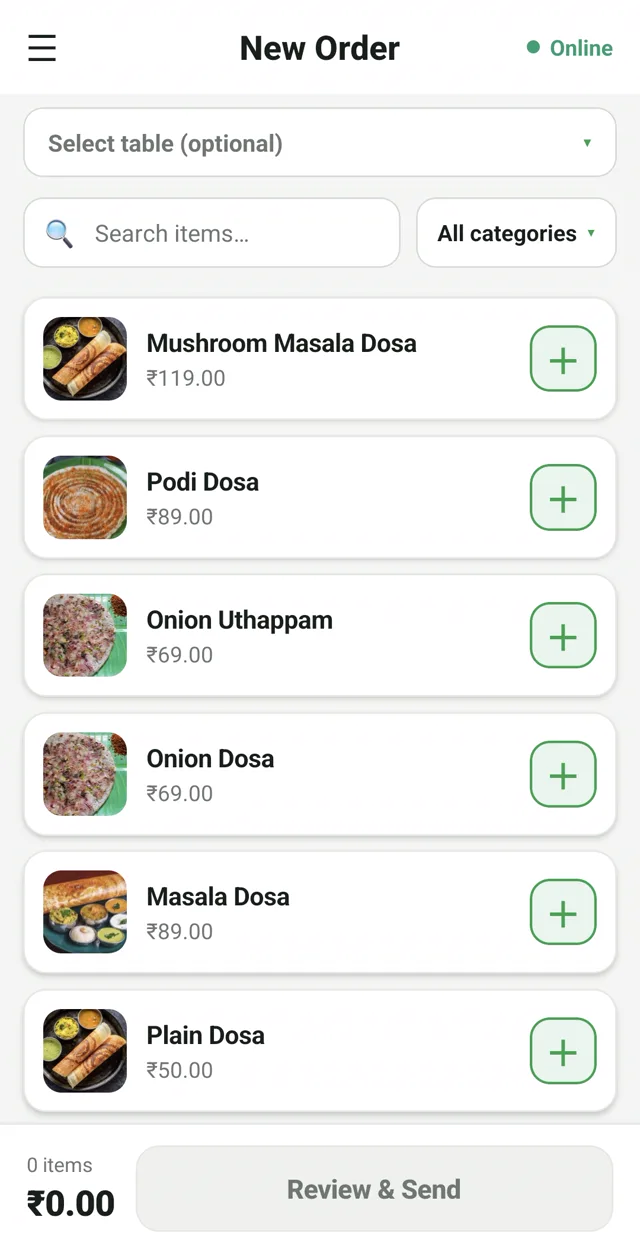
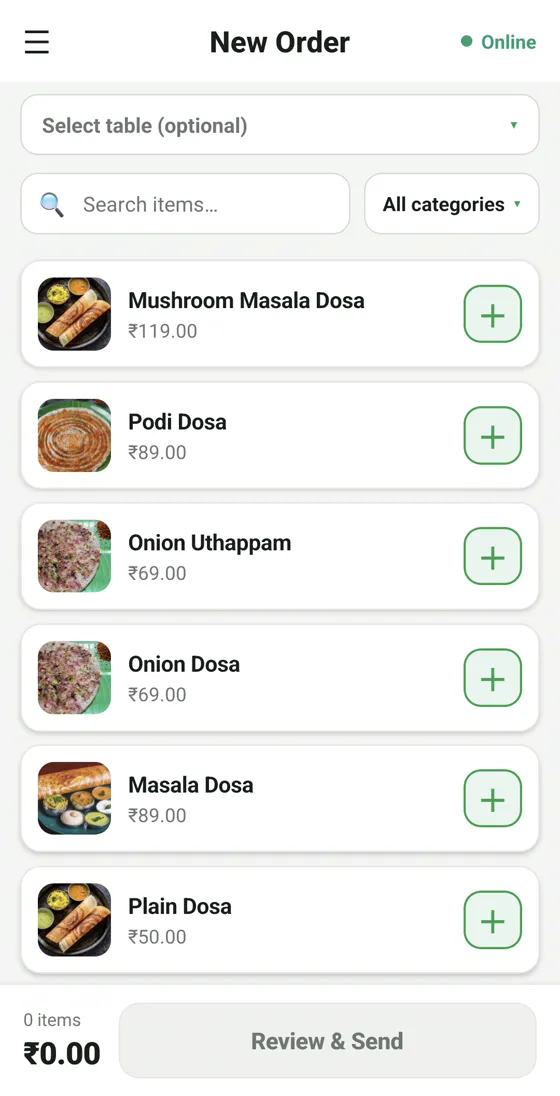
RestoPOS mCAP captain app on a mobile phone with table selection for tableside ordering
⚡ In short

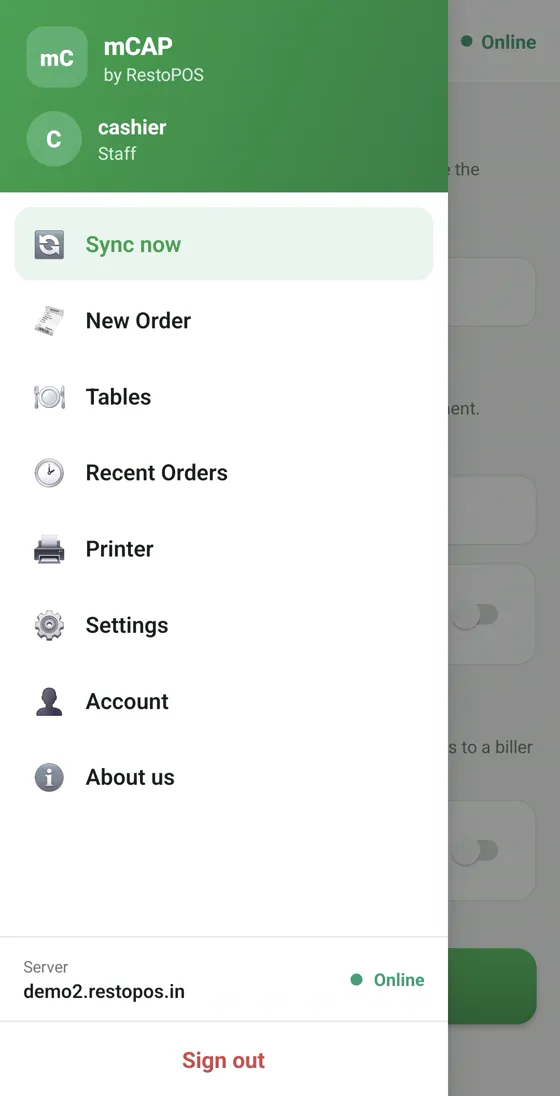
mCAP is the RestoPOS captain app. Your waiters take orders at the table on their own phone; every item goes straight to the kitchen display (KOT) and the running bill. It even works over your local Wi-Fi when the internet is down — no paper chits, no missed items.

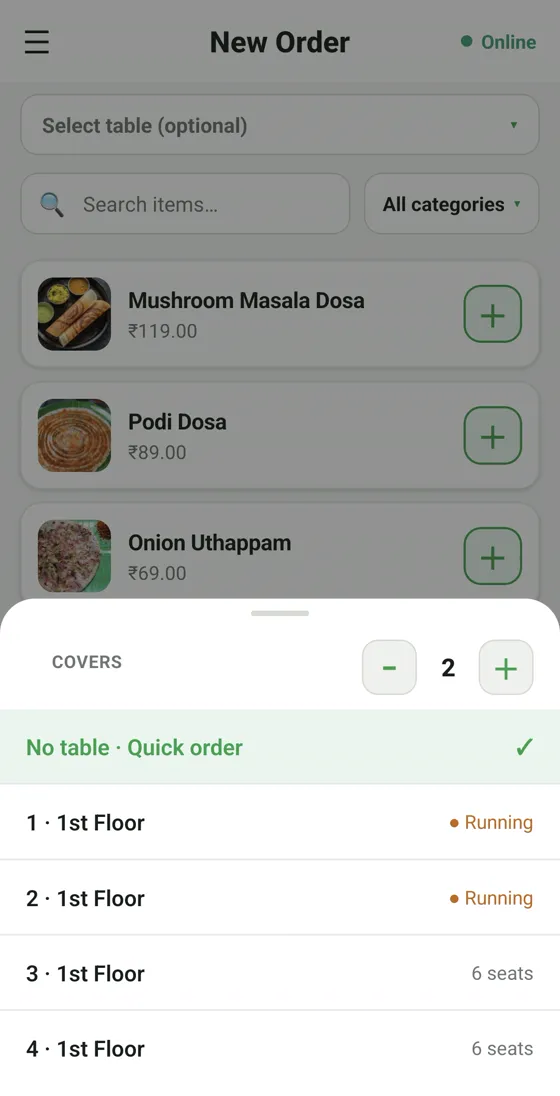
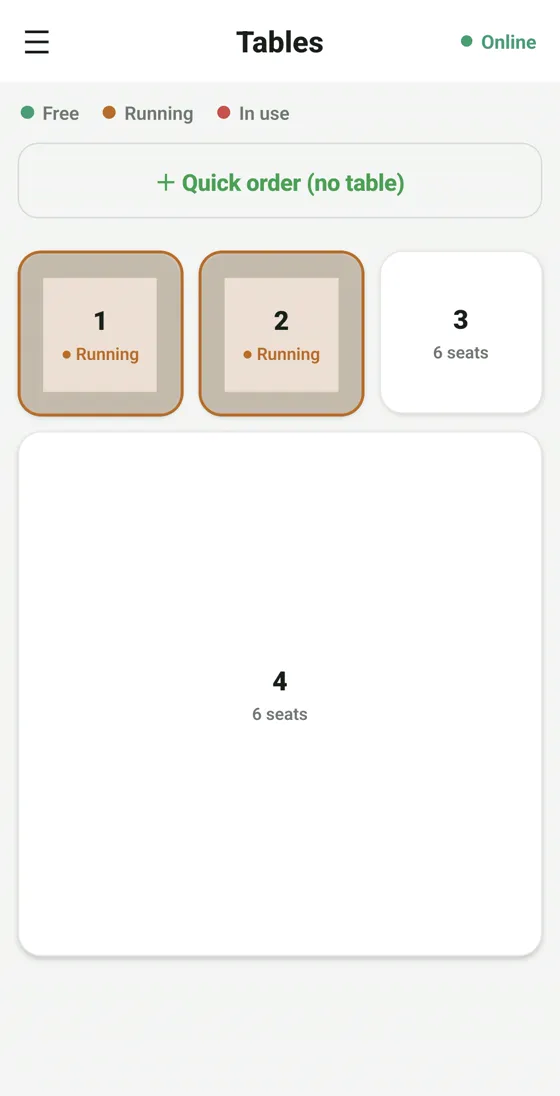
Pick the table, set the covers

Choose the table and floor and set the number of covers — or fire a quick order with no table. Every seat is tracked so nothing is billed to the wrong table.

  • Table & floor selection built in
  • Covers / pax count per order
  • Live table status — running or free
RestoPOS mCAP captain app table and floor selection with covers count
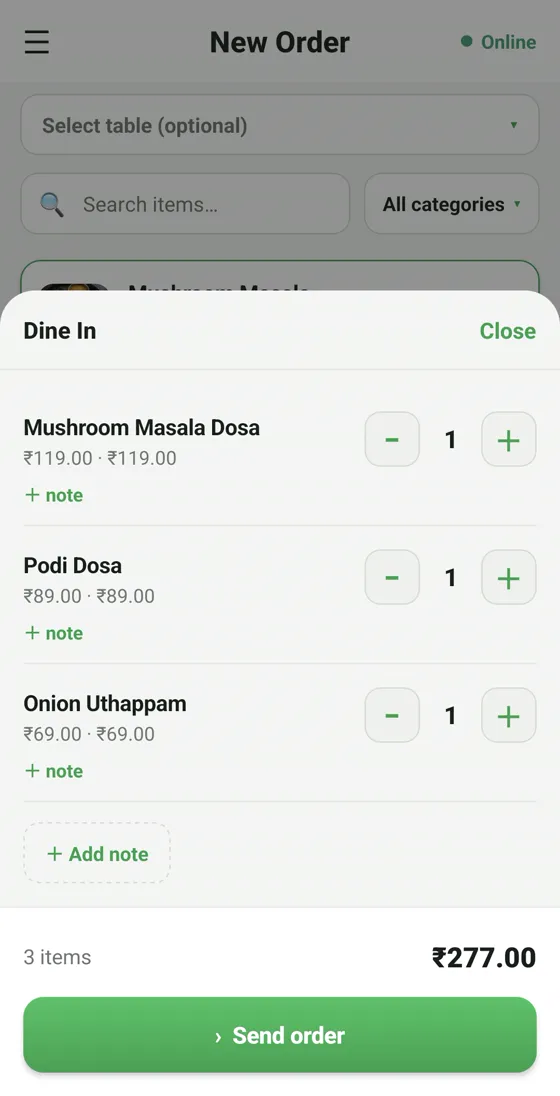
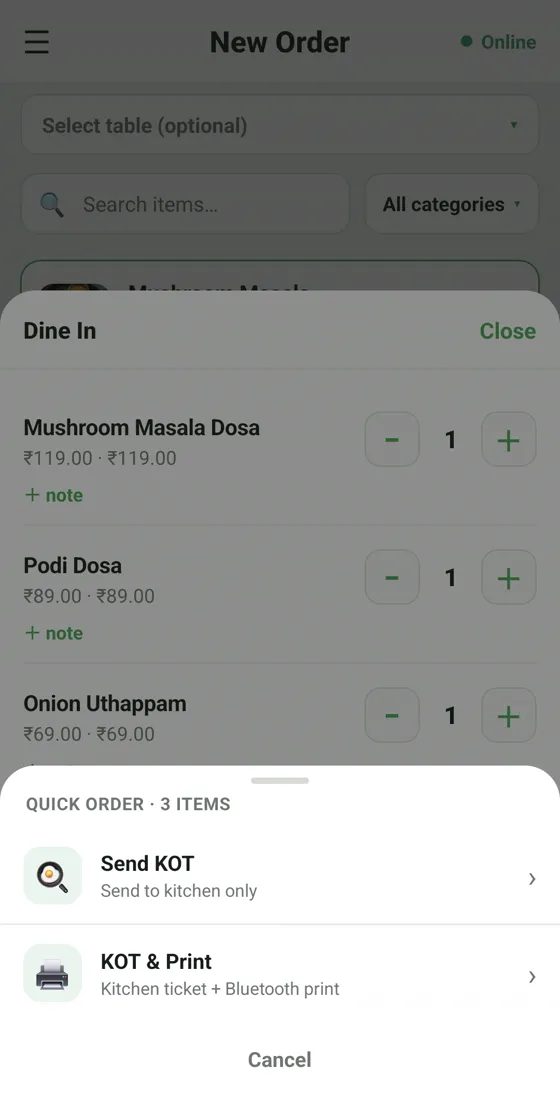
RestoPOS mCAP captain app order review with items, notes and a Send order button

One tap to the kitchen — even offline

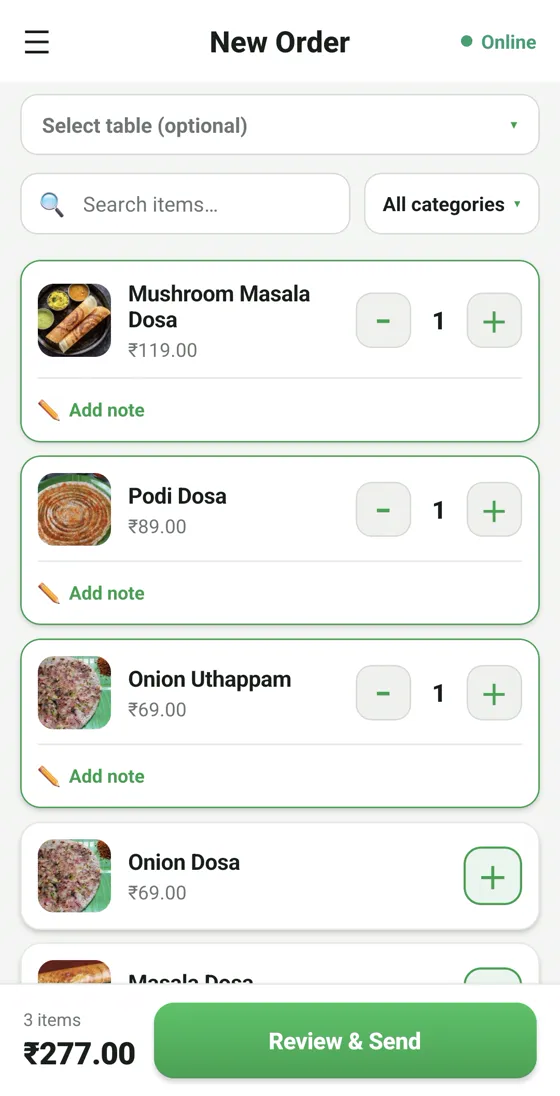
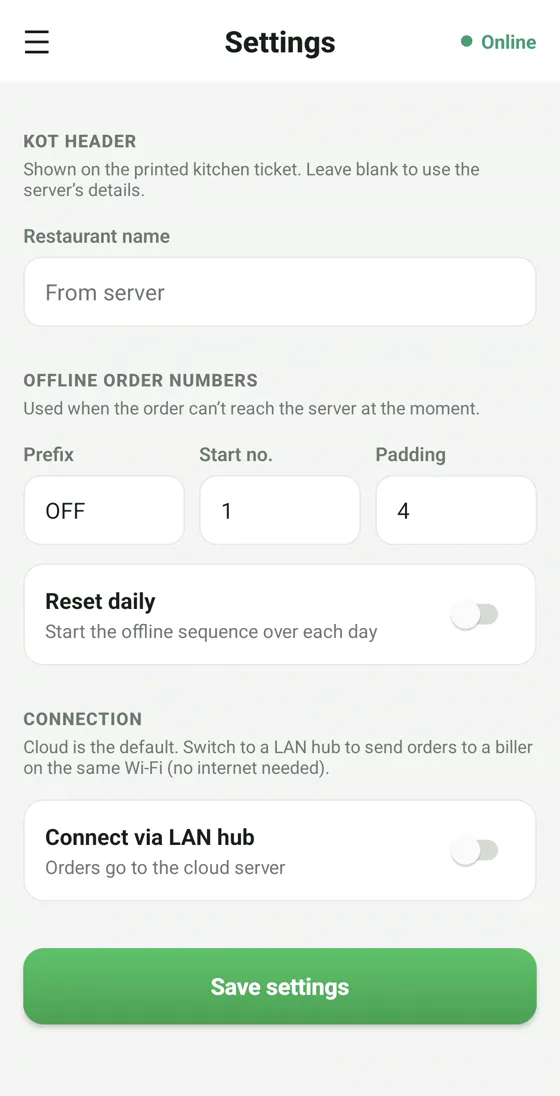
Add items, notes and modifiers, then hit Send order — it reaches the kitchen (KOT) and the bill instantly. On your local Wi-Fi it keeps working even when the broadband is down.

  • Send straight to KOT & billing
  • Item notes, modifiers & discounts
  • LAN mode works without internet

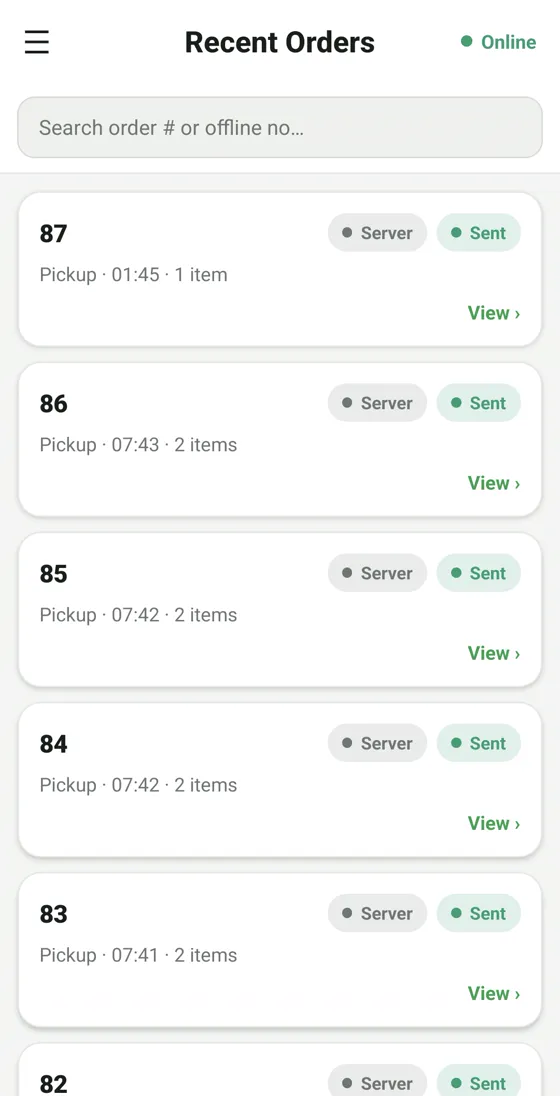
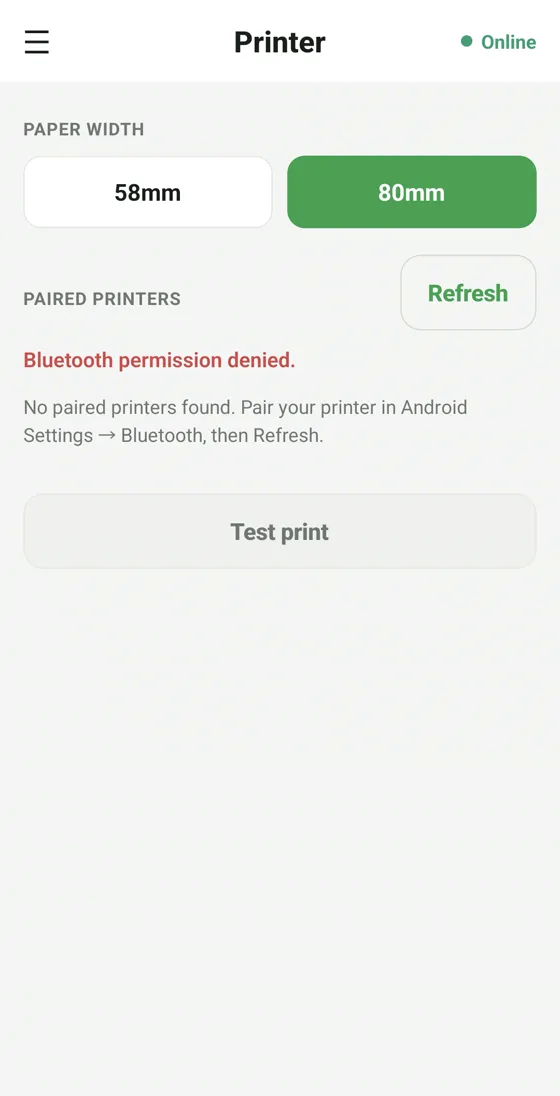
All mCAP screens

Tap any screenshot to enlarge.

📱 mCAP on mobile

RestoPOS mCAP mobile screen 1
RestoPOS mCAP mobile screen 2
RestoPOS mCAP mobile screen 3
RestoPOS mCAP mobile screen 4
RestoPOS mCAP mobile screen 5
RestoPOS mCAP mobile screen 6
RestoPOS mCAP mobile screen 7
RestoPOS mCAP mobile screen 8
RestoPOS mCAP mobile screen 9
RestoPOS mCAP mobile screen 10

Frequently asked questions

Does the captain app need internet?

No. On your local Wi-Fi network, mCAP sends orders to the kitchen and billing even without an internet connection, and syncs to the cloud when it returns.

How many waiters can use mCAP?

Unlimited. Every staff member logs in on their own phone with their own PIN — there is no per-device charge.

What phones does mCAP support?

Any Android 8+ or iOS 14+ phone. Waiters can use their own devices — no special hardware needed.

Do orders reach the kitchen automatically?

Yes. Each order is sent as a KOT to the mKOT kitchen display and/or the kitchen printer the instant the captain hits send.

See mCAP in action —
book a free demo

Start your 14-day free trial today. Free onboarding, no setup fees, cancel anytime.

💬 WhatsApp Us